Windows 11 26H2 rollout is now reaching a wider group of eligible PCs running versions 24H2 and 25H2. The useful part is not the new number in winver: Microsoft is expanding availability through Windows Update while keeping safeguard holds in place for devices with known driver or application conflicts. If the upgrade does not appear, forcing it is usually a worse first move than finding out why it was delayed.
For most people, the safest route is simple. Open Settings, choose Windows Update, check for updates, and enable the option to receive the latest updates as soon as they are available if you want to join the earlier wave. A compatible PC may then offer 26H2. The same model can still wait longer if Microsoft or the manufacturer detects a problem that needs a fix.
How the Windows 11 26H2 rollout works
Microsoft no longer sends every major Windows version to every eligible device at the same minute. The company watches telemetry, crash reports, driver compatibility, and feedback from hardware vendors. Availability expands in stages as confidence improves. That can feel unnecessarily slow when a new feature is being discussed everywhere, but it prevents one faulty audio, storage, VPN, or graphics driver from affecting millions of PCs at once.
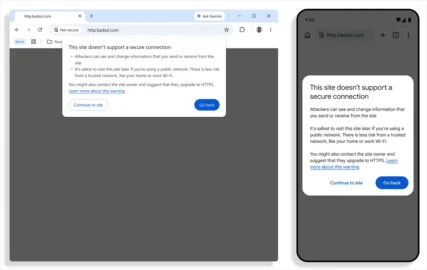
A safeguard hold is not an error message or a marketing trick. It is a temporary block connected to a specific compatibility issue. Microsoft publishes known issues on its Windows release health page, although not every device-specific case will have an obvious consumer-friendly label. If Windows Update says the PC is up to date but does not offer 26H2, check that page and the support site for your laptop or motherboard before trying installation media.
The version upgrade also does not guarantee that every advertised feature appears after the first restart. Microsoft can enable interface and app changes separately through controlled feature rollout. Two computers with the same version and monthly update may therefore show slightly different options for several weeks. This is confusing, but it is part of the current Windows servicing model rather than proof that one installation failed.
Before installing, save important files, connect a laptop to power, and leave enough free storage for the upgrade and rollback files. Twenty to thirty gigabytes of free space is a sensible practical target, although the exact requirement depends on the device. If the computer uses specialist VPN software, an older printer, an audio interface, or endpoint security tools, check vendor support first. Those products matter more than a shiny Start menu change.
A five-minute check before you upgrade
Press Windows+R, type winver, and record the current version and OS build. Then open Windows Update history and confirm that the most recent cumulative update installed successfully. Check Device Manager for warning icons, update critical drivers from the PC or component manufacturer, and make sure you know where the BitLocker recovery key is stored if device encryption is enabled.
A backup should contain the files you cannot replace, not merely a promise that cloud sync is running. Open a few recent documents from the backup location and verify that photos, project files, and browser data are present. Business users should also confirm access to VPN credentials, authentication apps, and recovery procedures. An upgrade is a poor time to discover that the only backup has not completed for three months.
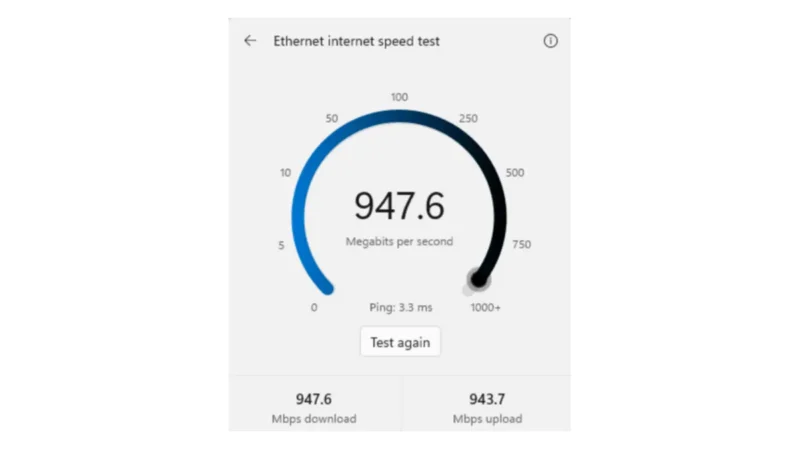
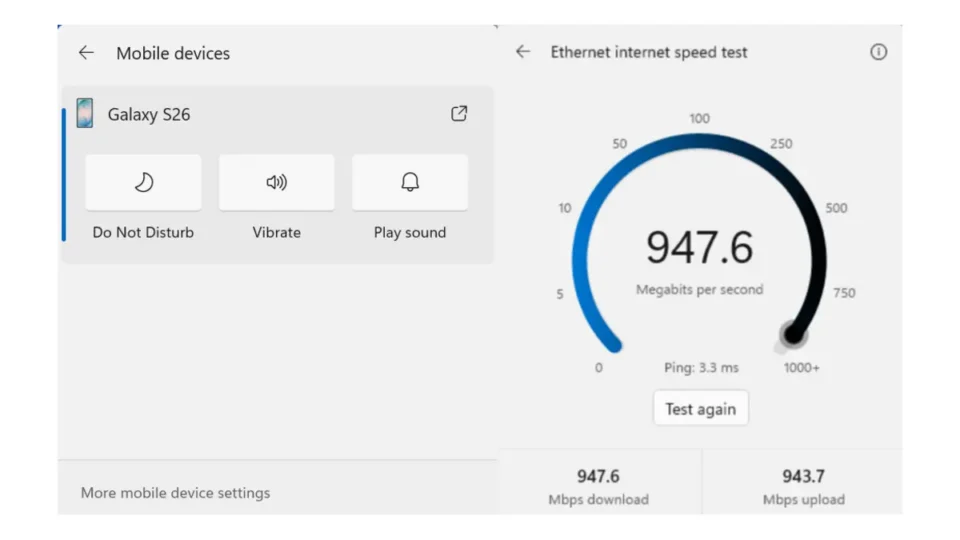
Do not schedule the Windows 11 26H2 rollout immediately before a trip, meeting, deadline, or presentation. Choose a period with at least an hour of spare time. After the restart, test networking, sound, camera, Bluetooth, printing, VPN access, and the applications you use for real work. A successful desktop login is not the same as a complete compatibility test.
Our earlier guide to the Windows 11 KB5127648 update explains the same useful habit for monthly patches: record the build, install through an official channel, restart, and verify the services that matter. The 26H2 upgrade is larger, but the discipline is identical.
When manual installation makes sense
An ISO or installation assistant can be useful for technicians, labs, and advanced users who understand the current safeguard and have a tested system image. It is not a magic cure for a missing offer. Bypassing a hold can trade patience for broken audio, failed sign-in, unstable storage, or a business application that will not start. If you cannot explain the block and the recovery path, waiting is the more professional choice.
Organizations should begin with a representative pilot group rather than the newest or most powerful PCs. Include the hardware models, security products, docking stations, printers, and workflows that employees actually use. Monitor help-desk tickets and event logs, then expand deployment in rings. A rollout plan is valuable because it limits the size of a problem, not because it creates extra paperwork.
Home users can use a smaller version of the same idea. Upgrade one less critical PC first if the household owns several devices. Keep the previous Windows files for a few days and avoid immediately deleting Windows.old. Once you have tested the machine and confirmed that storage space is not urgently needed, Disk Cleanup can remove the rollback files safely.
What to do if something breaks
Start with the simplest evidence: note the exact error, the time it appeared, and the device or app involved. Check Windows Update history and Device Manager, then look for a newer driver from the official manufacturer. Avoid random “driver updater” utilities. They often install generic or incorrect packages and make it harder to understand which change caused the problem.
If a critical application or driver remains unusable, Windows may offer a return to the previous version for a limited period. Back up new work before using it. Managed devices should follow the organization’s support process because encryption, compliance, and deployment policies may affect recovery. A rollback is not a failure; it is a controlled safety option when a compatibility issue blocks real work.
The sensible bottom line
The wider Windows 11 26H2 rollout means more eligible PCs can receive the upgrade without third-party tools, but availability is still device-specific. Make a backup, wait for the official Windows Update offer, and treat a safeguard hold as useful information. New features are welcome; a reliable computer that can finish today’s work is more valuable than being first to display a new version number.
Windows 11 26H2 rollout decisions should be based on the official health page, the exact PC model, and the software you depend on. Install when you have time to test, keep a recovery path, and remember that some features may appear later even when the upgrade itself is complete.