How to Activate Starlink (Complete Setup Guide + Roaming & Travel Tips)
Starlink has quickly become one of the most practical internet solutions for people who can’t rely on traditional providers—whether that’s due to location, infrastructure, or simply the need for mobility.
At first glance, setting it up looks simple: plug it in, open the app, and go online. In reality, there are a few details that make the difference between a stable, high-speed connection and constant interruptions.
This guide walks through the full activation process step by step, but also goes further—covering real-world usage, including how Starlink behaves when used in different countries, and what to expect if you’re traveling or working remotely across regions like the Balkans.
📦 What You Actually Get (and Why It Matters)
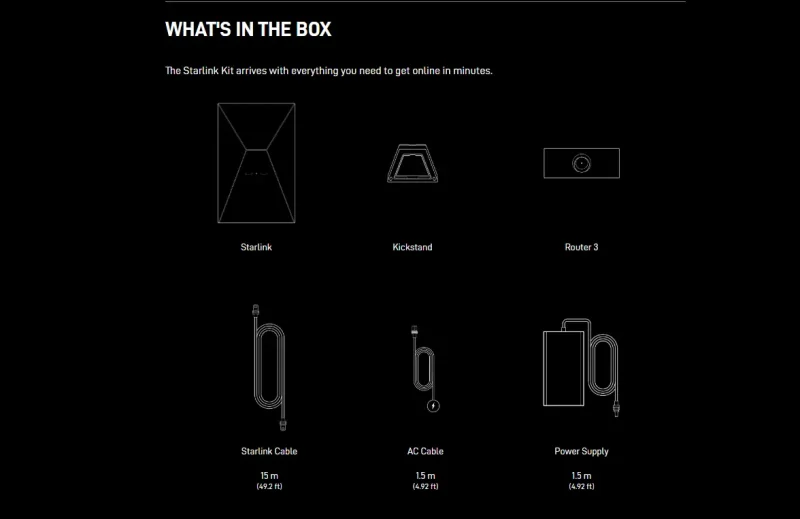
A standard Starlink kit includes:
- Satellite dish (often called “Dishy”)
- Wi-Fi router
- Power supply and cables
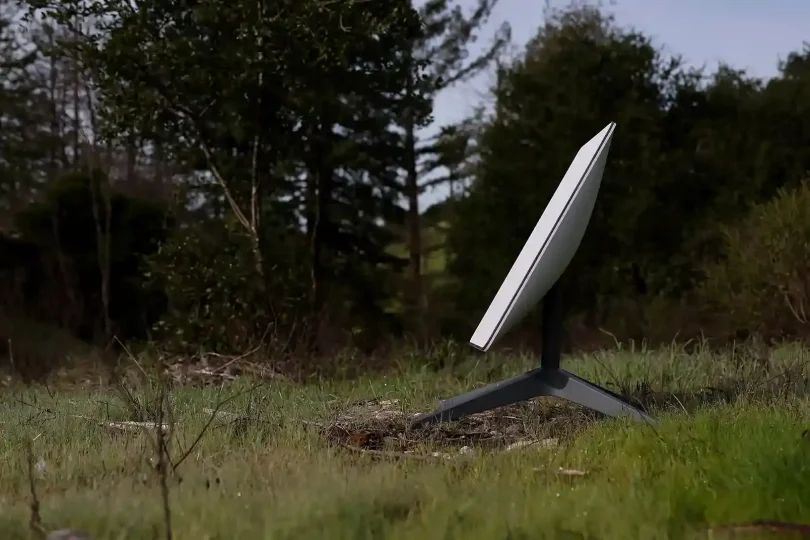
Unlike traditional satellite internet, Starlink uses low Earth orbit satellites, which reduces latency significantly. However, it also means the dish needs a clear, uninterrupted view of the sky to maintain a stable connection.
This is the single most important factor people underestimate during setup.
🛰️ Setting Up Starlink (Step-by-Step with Context)
1. Choose the right location
Before plugging anything in, take a moment to evaluate placement.
A balcony might work—but only if it has a wide, unobstructed view of the sky. Roof mounting is usually ideal, while ground placement can work in open areas.
Don’t miss this



Even partial obstructions—like tree branches or nearby buildings—can cause short but noticeable connection drops.
2. Connect the hardware
Once placement is sorted:
- Connect the dish to the router
- Connect the router to power
After powering on, the dish will automatically begin adjusting its position. This movement is normal and part of the alignment process—there’s no need to manually aim it.
3. Connect to the network
Within a few minutes, a Wi-Fi network named:
STARLINK
will appear.
Connect to it using your phone or laptop. At this stage, it’s an open network used only for initial setup.
4. Complete activation in the app
Open the Starlink app and log into your account. From there, you’ll:
- assign a Wi-Fi name and password
- confirm your setup location
- complete activation
This step links your hardware to your subscription and allows the system to start establishing a satellite connection.
5. Wait for initial connection
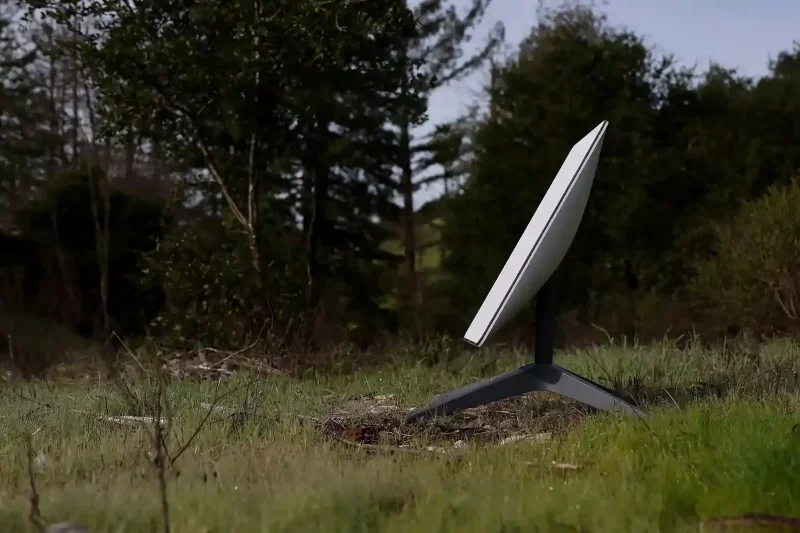
The first connection usually takes between 5 and 15 minutes.
Don’t miss this

During this time, speeds may fluctuate, and brief disconnects are normal. The system is still aligning itself and optimizing satellite tracking for best results.
📊 What Real Performance Looks Like
In everyday use, Starlink performance is generally:
- Download speeds: 50–250 Mbps
- Upload speeds: 10–30 Mbps
- Latency: 20–60 ms
These numbers vary depending on location, network load, and weather conditions. In rural or less congested areas, performance can often exceed expectations.
🌍 Using Starlink While Traveling (Roaming Explained)
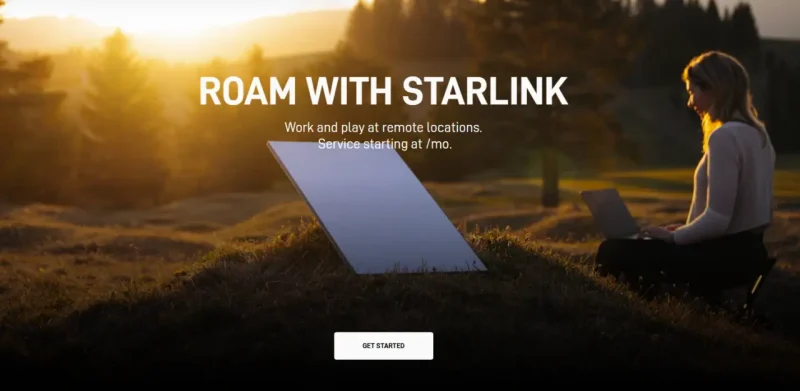
One of Starlink’s biggest advantages is flexibility, but roaming isn’t completely unrestricted—and this is where many guides oversimplify things.
Starlink offers roaming plans (often called Roam or Mobile), which allow you to use your equipment outside your registered service address. In practice, this works well across most of Europe, but there are still regional limitations and regulatory restrictions to be aware of.
🧳 Where Starlink Roaming Works Reliably
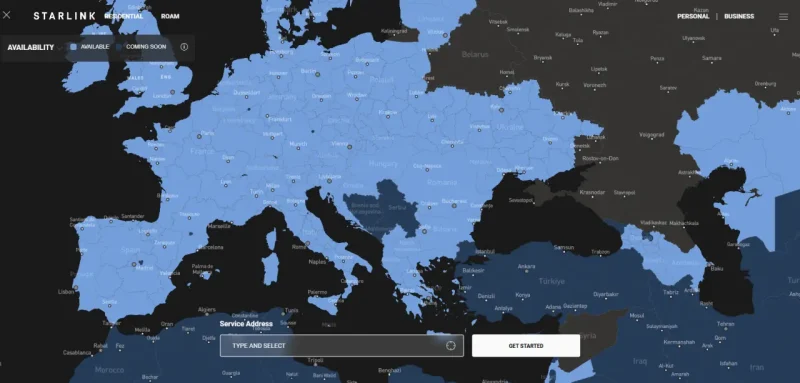
Across much of Europe, Starlink roaming is stable and widely supported. This includes countries like:
- Germany
- France
- Italy
- Austria
- Bulgaria
- Romania
- Albania
- North Macedonia
- Croatia
In these regions, users can typically expect:
- consistent activation
- stable connectivity
- no immediate service interruptions
For digital nomads and travelers, this makes Starlink a practical solution across most of the European Union and nearby countries.
⚠️ Restricted & Unsupported Regions (Important)
Some countries in the Balkans are not officially supported or authorized at the time of writing, including:
- Serbia
- Bosnia and Herzegovina
- Montenegro
This has a few important implications:
- Using Starlink in these regions may violate local regulatory requirements
- Service may work temporarily, but is not guaranteed
- Access can be restricted or disabled without notice
Some users have reported that roaming worked in the past, but more recent behavior suggests that Starlink is increasingly enforcing regional restrictions more strictly.
⏱️ The 60-Day Roaming Limitation
Even in supported countries, Starlink roaming is not designed for permanent use outside your home region.
In general:
- You can use Starlink abroad for up to ~60 days
- After that, you may be required to:
- update your service address
- or return to your original country before you can use it again
If the system detects extended use outside supported regions, service may be:
- deprioritized
- temporarily suspended
📡 What This Means in Practice
For travelers:
- Short stays → usually no issue
- Long-term stays in supported countries → manageable with address updates
- Use in unsupported countries → unreliable and potentially blocked
🧠 Practical Advice (Based on Real Usage)
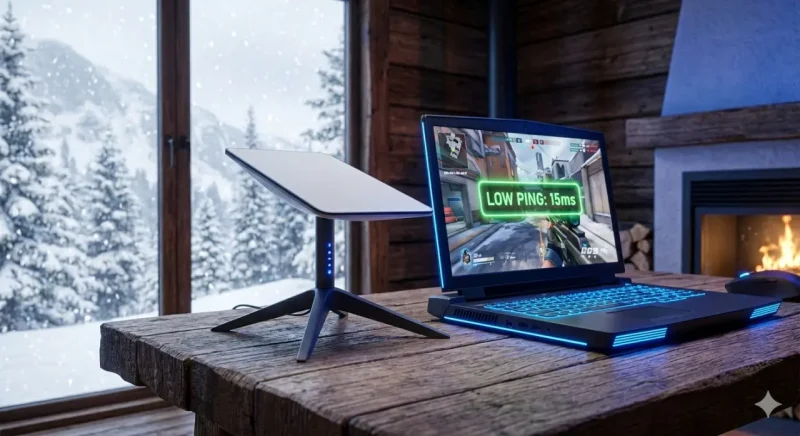
If you plan to travel with Starlink:
- Check official availability before moving locations
- Avoid relying on it as your only connection in unsupported regions
- Use it as a primary solution in supported countries, and a backup in restricted ones
⚠️ Common Issues (Real-World Perspective)
Frequent short disconnects
Almost always caused by obstructions, even partial ones.
Slower speeds than expected
Often due to:
- network congestion
- suboptimal placement
- weather interference
No connection after setup
Usually resolved by:
- waiting longer during initial setup
- restarting the system via the app
- checking cables and power
🔒 Practical Tips for Stable Connection
- Place the dish as high and open as possible
- Avoid mounting near walls or under roofs
- Use the app’s obstruction scanner before final placement
- Don’t rely on indoor positioning—it rarely works well
🏁 Conclusion
Activating Starlink is relatively straightforward, but getting consistent performance depends on understanding how the system actually operates.
Unlike traditional internet connections, where the signal comes from a nearby tower or cable, Starlink depends entirely on maintaining a clear line of sight to moving satellites. That makes placement and environment just as important as the setup itself.
For travelers and remote workers, the ability to use Starlink across different countries adds a level of flexibility that few other solutions can match—especially in regions where infrastructure is inconsistent.
In the end, Starlink works best when treated less like a plug-and-play router, and more like a system that rewards careful setup.
❓ FAQ How to Activate Starlink (Complete Setup Guide + Roaming & Travel Tips)
Can I use Starlink in countries where it’s not officially supported?
Technically, it may work for a short time, but it’s not reliable. In unsupported countries, Starlink can restrict or disable service due to regulatory compliance.
Does Starlink roaming work across Europe?
Yes, in most of Europe it works very well, especially in EU countries and nearby regions. However, some Balkan countries are still not officially supported.
What happens after 60 days of roaming?
If you stay outside your home region for too long, Starlink may require you to update your service address or temporarily suspend your connection.
Is Starlink a good option for digital nomads in the Balkans?
It depends on the country. In supported regions like Bulgaria or Croatia, it works well. In others, such as Serbia, reliability is not guaranteed, but in the rest of the Europe it is fine to use.