Firefox 157 Nova design started rolling out to desktop and mobile users on September 29. Mozilla has not merely adjusted the color palette: it has brought back Compact Mode, simplified theme selection and created a more consistent visual language across the browser.
The change matters because Firefox is trying to preserve a recognizable identity between the dominant Chromium ecosystem and Safari. The new version combines a more current appearance with Mozilla’s promise that privacy, open-source development and user control remain fundamental parts of the product.
Firefox 157 Nova design changes more than colors
Mozilla says the refreshed design applies to tabs, toolbars, the New Tab page, Private Browsing and other areas. The intention is not to force people to relearn the browser, but to make familiar controls clearer and more consistent on different screen sizes.
The most visible details include softer edges, refreshed icons, updated color palettes and closer alignment between desktop and mobile. That consistency should help people who use Firefox on both a computer and a phone, because the two versions now feel more like parts of the same product.
Mozilla also says the visual update does not come at the expense of browser performance. Actual behavior will still depend on the device, installed extensions and number of open tabs, so owners of older computers should evaluate the release on their own configuration.
Compact Mode returns after user feedback
The most practical addition is the return of Compact Mode. It reduces the height of tabs and the toolbar so that websites receive more screen space. Mozilla is also introducing an automatic compact option for smaller displays, which should be particularly helpful on laptops with limited vertical resolution.
Don’t miss this


The return of this option also shows how the development process worked. The Nova interface had been available in Firefox Nightly for months, and Mozilla says tester feedback directly influenced the finished release. Compact Mode was one of the features the community explicitly requested.
Themes and the New Tab page become easier to manage
A new theme picker makes it easier to browse colors and wallpapers without moving through several menus. The New Tab page gains a dedicated area for shortcuts, allowing users to pin frequently visited websites and organize them around their own workflow.
These changes may appear cosmetic, but they can make everyday browsing faster. When important destinations remain in predictable positions, less time is spent searching history or bookmarks. The page remains customizable, so optional content can be hidden when it becomes distracting.
Privacy and AI controls remain part of the same story
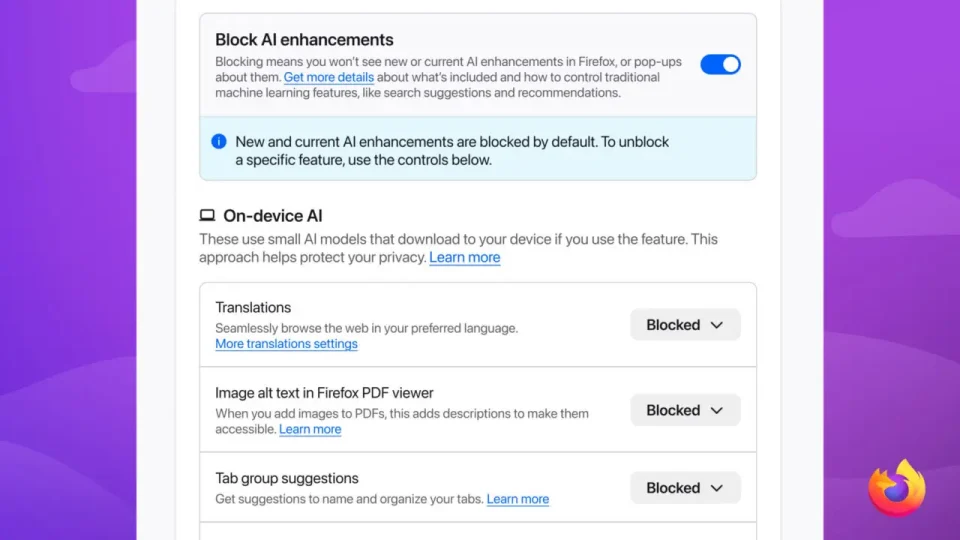
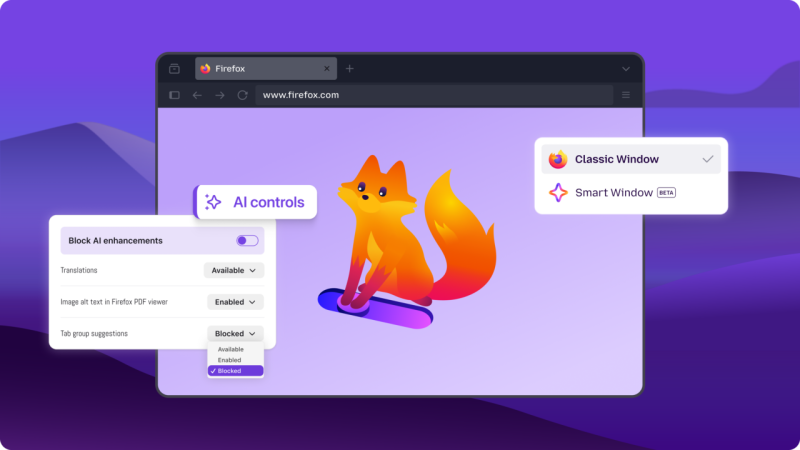
Mozilla connects the redesign with other Firefox work completed this year, including side-by-side browsing, built-in privacy features, tracker blocking and more precise controls over how AI appears in the browser. Users can still choose which assistant or model they want and what context it receives.
That degree of choice separates Firefox from browsers in which new services are tightly tied to one account or vendor. Readers who prefer to keep AI workloads on their own hardware can also consult our Serbian guide to running local AI on a personal computer.
How to check whether Firefox 157 has arrived
On desktop, open the menu, select Help and then About Firefox. The browser will check for the current release and offer a restart if the update is ready. Because Mozilla rolls out releases gradually, version 157 may not appear for every user at exactly the same moment.
Don’t miss this

After updating, review appearance and interface-density settings. Enable Compact Mode if you want more room for websites, or keep the standard density when touch-friendly controls and easier targeting are more important. Extensions do not need to be disabled in advance, but it is worth checking those that alter tabs, colors or the New Tab page.
What the redesign means for existing users
Firefox 157 is not an attempt to turn the browser into a Chrome copy. Its basic layout remains familiar while components have been modernized and aligned. Users with smaller displays, people who frequently change themes and those who care about control over their homepage receive the most immediate benefits.
The sensible approach is to update, try Compact Mode and only then adjust themes and shortcuts. Organizations deploying Firefox across many computers should test important extensions and internal web applications before a broad rollout, even though Mozilla presents Nova as a visual change without a performance penalty.
Firefox 157 Nova design therefore delivers a visible refresh while preserving enough choice for people to maintain an efficient and familiar workspace.