Automatic Android phone number verification can confirm a number without asking the user to type a one-time SMS code, but it deserves extra attention on phones that hold several Google accounts. Android Authority documented the control and reported behavior, while TechRadar described user concerns. The feature is designed for convenience, account recovery and compatible Google services, yet users may not expect the same verified number to become associated with another account on the device.
Automatic Android phone number verification and privacy
A phone number is more than a contact field. Many services use it as an identifier, a recovery channel and a signal that can link activity across profiles. When a phone contains personal, work and school accounts, automatic association may weaken the separation the user intentionally created. This does not mean Google publicly exposes the number, but it does mean the owner should know which account has received it, why it is present and whether another recovery method is available.
Where to find the setting
Automatic Android phone number verification can be checked from Android settings. Open Settings, choose Google, then All services, and look under Privacy and security for Phone number verification. Menu names may differ by manufacturer, language and Android build. The change is also rolling out gradually, so the control may not appear on every phone immediately. Review every listed Google account rather than changing only the currently active profile.
What disabling changes
Turning the switch off prevents future automatic verification on that device, but it may not remove a number already stored in an account. After changing the setting, open the Google Account page, inspect Personal info and Contact info, and review recovery methods under Security. Removing a phone number before adding another recovery option can lock the owner out. Add an authenticator app, backup email or security key first, then save recovery codes in a protected location.
Shared and managed phones
Shared phones require additional care. Use separate Android user profiles when the manufacturer supports them, and avoid leaving work or school accounts in the same profile used by other family members. Workspace administrators may enforce policies that an individual cannot change. If the menu is missing, do not install an unofficial utility that promises to unlock it. Wait for an official Google Play services or system update and verify the device is running supported software.
What the reports do not prove
Automatic Android phone number verification is not malware and is not proof of a data breach. The privacy issue is visibility and informed control: a useful background process may change the boundary between accounts without a prominent prompt. Google documentation and the observed interface do not yet explain every difference between consumer, Workspace, regional and manufacturer configurations. Reports should therefore be treated as documentation of currently observed behavior, not proof that every Android phone works identically.
A safe review sequence
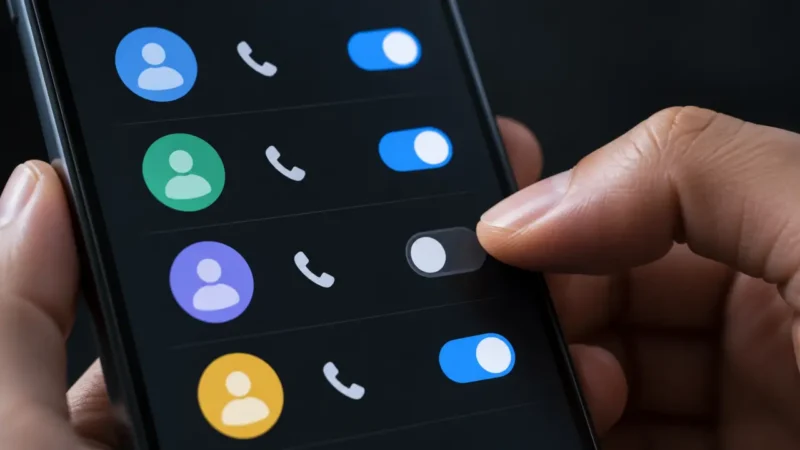
The safest review order is to list every Google account on the phone, confirm which one owns the SIM number, and check the verification toggle for each profile. Next, verify recovery email addresses, two-step verification methods and signed-in devices. Finally, review whether the phone number already appears in Personal info. Repeat the inspection after adding a new account, replacing the SIM or receiving a major Android update, because account and menu state can change.
Avoid related phishing
Users should also watch for phishing messages that exploit the subject. A message claiming that Google must “re-verify” the number may lead to a fake sign-in page. Open account settings directly instead of following an SMS or email link, and never share a one-time code. Our Serbian guide on spotting a fake WhatsApp listing on Google Play covers the same verification habit: check the publisher, official domain and permissions before trusting a prompt.
If the number is already linked
If a number is present on an unexpected account, take screenshots for your own records, add a replacement recovery method and remove the number only after confirming access. Then review recent security activity and devices. A number may have been added legitimately in the past, so its presence alone does not prove compromise. Unexpected sign-ins, unfamiliar recovery changes or alerts require a password change from a trusted device and a complete account security review.
Conclusion
Automatic Android phone number verification is ultimately a convenience feature with privacy consequences that depend on account layout. People who keep work and personal identities separate have the strongest reason to inspect it now. The check takes only a few minutes, but the important part is broader than one switch: confirm contact data, recovery methods, two-factor authentication and signed-in devices for every account. Clear account boundaries are easier to preserve before an emergency than during recovery.