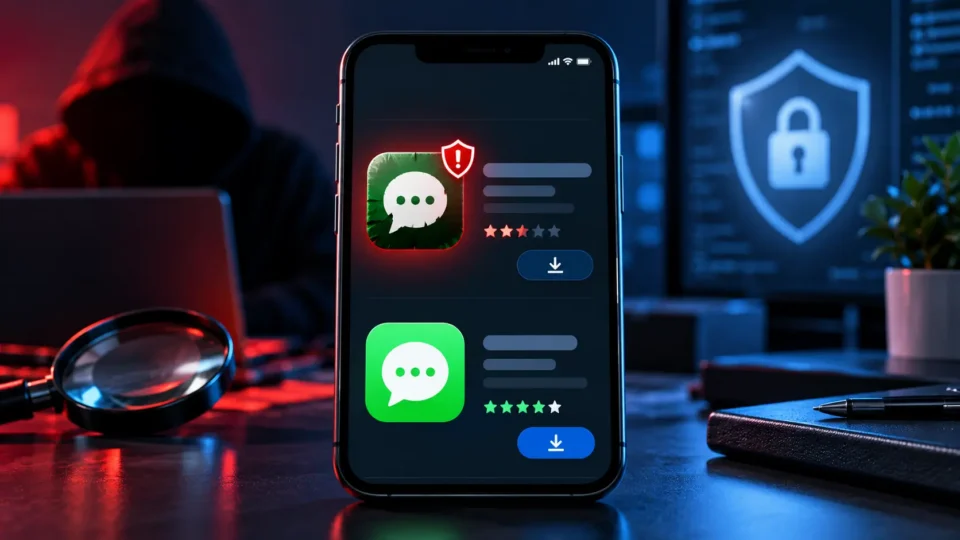
Knowing how to spot a fake WhatsApp on Google Play matters because the first search result is not always the authentic app. On October 16, 2026, The Verge reported that an imitation appeared in a sponsored position above the real WhatsApp listing. The placement may have looked authoritative, but advertising visibility is not the same as verification of the publisher.
According to the report, the copy used the name “WhatsApp Messenger,” a similar icon, screenshots and promotional text. It had reportedly passed 500,000 downloads, while the developer was listed as “Agment Assets sallu,” not WhatsApp LLC. Google had not immediately replied to the publication’s request for comment. The available evidence supports describing the listing as a deceptive imitation, not assigning unverified malicious behavior to it.
Why sponsored placement is not authentication
A sponsored label means somebody paid for visibility. It does not prove that the store manually validated the brand. Messaging apps are especially sensitive because users may provide a phone number, contacts, photos and authentication codes. Even without confirmed malware, an imitation can request unnecessary permissions or persuade a user to trust an unknown publisher.
The strongest check starts with the developer identity. The genuine Android app should be published by WhatsApp LLC, have an exceptionally large installation history and link to official policies. Download numbers alone are not enough, but the publisher, official website, privacy policy, update history and package details together create a much stronger verification trail.
How to spot a fake WhatsApp on Google Play
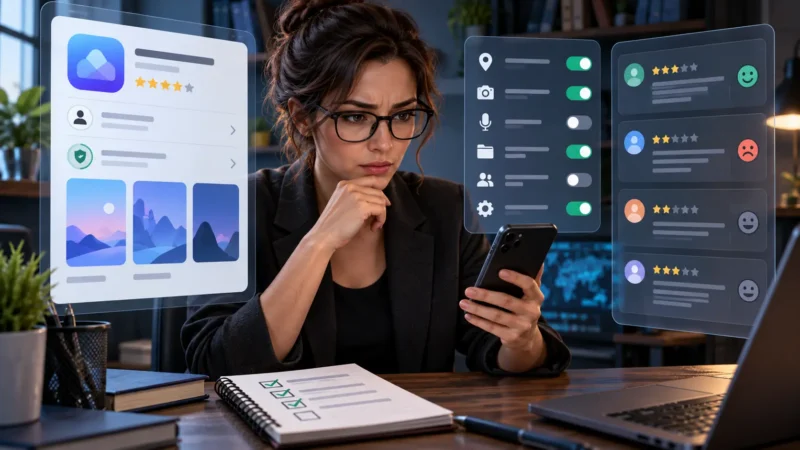
To learn how to spot a fake WhatsApp on Google Play, open the publisher details before installing anything. Compare the developer name with the official company, inspect the privacy-policy domain, check the installation history and review permissions. If possible, reach the store listing from the official WhatsApp website rather than through an advertisement or a search result that can be reordered.
If you already installed a suspicious copy, do not enter login codes or upload documents. Remove it, review the permissions it had, change passwords on connected accounts and enable two-factor authentication. Check active sessions and sign out unknown devices. Play Protect scanning can help, but it does not replace identity checks and account monitoring.
What the incident says about app stores
App stores reduce the risk compared with random APK downloads, but they do not eliminate it. Copies can reuse familiar visual elements and depend on users acting quickly. An Early Access label or missing public reviews should not silence caution. The Verge reported that Early Access may have limited public warnings on the disputed listing.
A practical household rule is to install messaging, banking and password-manager apps only from an official website or a verified publisher page. Our Serbian guide to Android malware risks explains why a trusted-looking screen is not a substitute for checking origin, permissions and update history.
The original report and the genuine store listing are available through The Verge and Google Play. The safest answer to how to spot a fake WhatsApp on Google Play is simple: verify WhatsApp LLC, use an official link and treat sponsored placement as advertising rather than a trust badge.
A reusable verification routine
The same method applies beyond messaging. Look for inconsistent spelling, a new developer account, a small review history for a global service, unrelated permissions and a privacy page hosted on an unexpected domain. None of those clues proves malicious intent alone, but several together justify stopping the installation and reporting the listing.
Organizations should also document approved app links for employees. A short internal page with official store URLs, minimum supported versions and a reporting contact reduces guesswork. This is more reliable than asking staff to remember visual details that can be copied by an impersonator.
Ultimately, how to spot a fake WhatsApp on Google Play is a process rather than a single visual trick. A famous icon, a sponsored slot and a familiar description can all be copied. Publisher identity, official-domain links, permissions and account history are harder to fake consistently and should guide the decision.