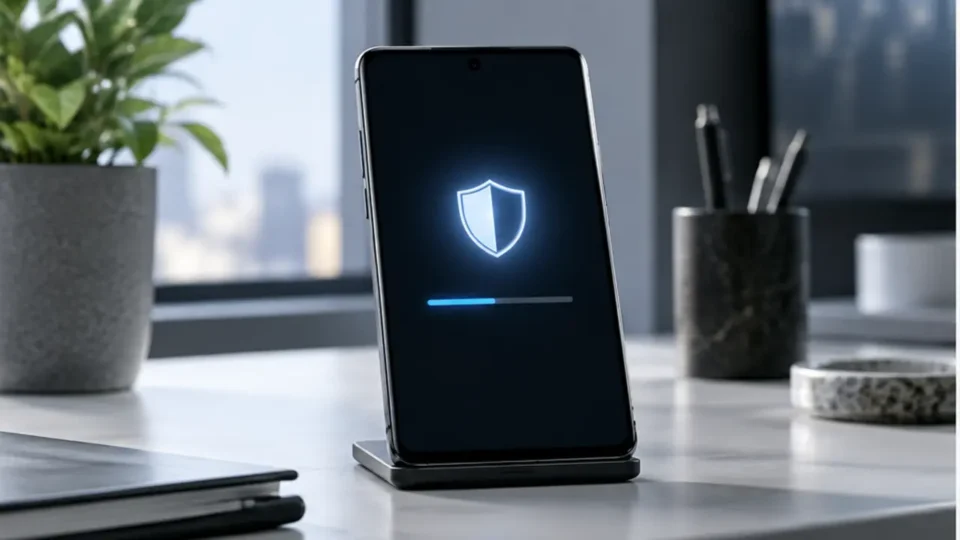
The Galaxy S26 October security patch is rolling out in stages, bringing Android-level fixes together with Samsung-specific corrections. It is not designed to transform the interface or add a headline camera feature. Its purpose is quieter and more important: reducing exposure to known weaknesses in the software stack that protects accounts, messages, payment data, photos and business profiles. Availability may differ by country, carrier and exact model, so two owners of the same phone may not receive the notification at the same time.
Galaxy S26 October security patch: what is confirmed
Google’s October Android Security Bulletin groups fixes by security patch level, while Samsung’s monthly maintenance information adds issues that apply to Galaxy components. The total number of bulletin entries should not be read as the number of attacks affecting one device. Some flaws concern specific chipsets or configurations, and a single correction may cover several related cases. The practical result for an owner is the security patch date shown in the phone’s software information after installation.
Samsung normally distributes updates in waves so that stability can be monitored. A delayed notification does not automatically mean that support has ended. Owners should confirm the model code, region and carrier schedule, then check again later. Installing unofficial firmware from an unknown site merely to receive the patch earlier creates a separate integrity risk and can complicate warranty, recovery and future over-the-air updates.
Prepare before installing the update
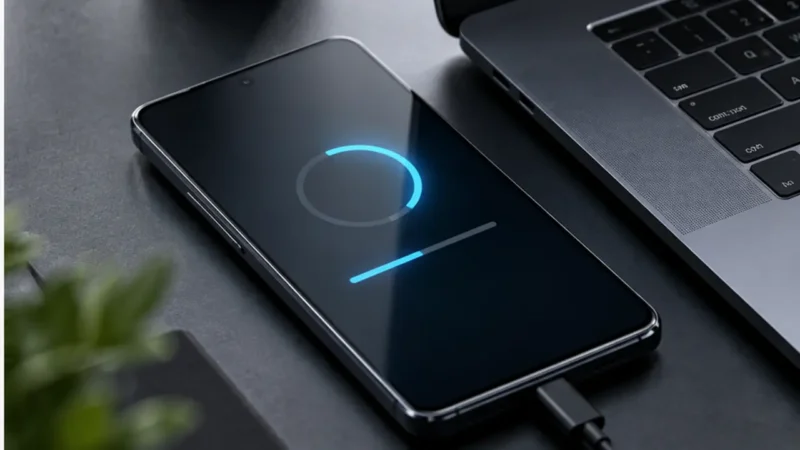
Back up irreplaceable photos, documents and authentication information. Security updates do not normally erase data, but a current backup limits the impact of a rare installation problem. Make sure the battery is charged, the connection is stable and there is enough free storage. If an authenticator app is used, confirm that recovery codes or a supported synchronization method are available before making any system change.
After the restart, verify the patch date and open the applications that matter most: banking, work profile, VPN, camera, Bluetooth accessories and password manager. Temporary warmth or higher battery consumption can occur while Android optimizes applications again. If the problem lasts, update apps, restart once more and use Samsung’s diagnostics or official support rather than downloading an undocumented downgrade package.
Why routine patches deserve priority
A monthly patch is one layer of defense, not a replacement for safe account practices. It cannot stop every phishing message, malicious application or stolen password. It can, however, close documented technical paths before they are combined with social engineering or another exploit. Phones deserve prompt maintenance because they hold tokens and personal information that can unlock many other services.
Organizations managing Galaxy devices should deploy to a small pilot group first, record the firmware and patch level, test required business apps and then expand through their device-management policy. The Galaxy S26 October security patch should appear in compliance reporting as the full build and date, not just a statement that automatic updates are enabled. A device can download a package without completing the required restart.
A practical verification checklist
Use the official update menu, keep a backup, confirm the patch date, test critical apps and record any repeatable problem with the exact build number. Avoid changing regions or sideloading firmware simply to accelerate availability. The Galaxy S26 October security patch works best alongside a strong screen lock, updated applications, multi-factor authentication and caution with unexpected links. Samsung’s security page and Google’s bulletin remain the authoritative references because entries and rollout details can be clarified after initial publication.
Related SajberSfera coverage: Galaxy S26 price increase in South Korea.
Final checks after installation
The Galaxy S26 October security patch should be verified by its full build and patch date, not merely by the disappearance of the update notification. Keep a record if the phone belongs to a managed fleet, confirm that the restart completed and test authentication, VPN and payment apps. The Samsung Mobile Security page and the Android bulletin are the authoritative references. If a carrier rollout is delayed, wait for the official package rather than installing firmware from an unknown mirror.