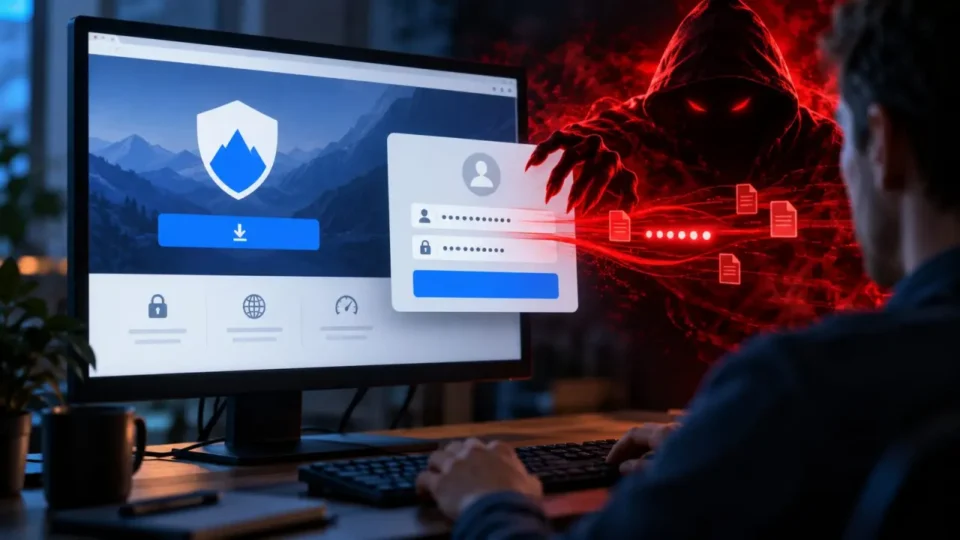
Fake VPN download site operators can steal a server address, username and password before delivering the genuine signed client that the victim expected. That combination makes the campaign unusually convincing: the software works and may pass security checks, while the sensitive information has already reached the attacker. The incident shows why verifying an installer is only one part of a safe download process and why administrators need a trusted path to vendor software.
Fake VPN download site: attack sequence
According to the investigation summarized by TechRadar, the fake VPN download site used a lookalike domain and a page designed to resemble a vendor download workflow. Before serving the client, it requested the VPN server address, username and password. Those details can provide a direct route into a business network. Researchers also reported that the first submission could be rejected, prompting the victim to enter the password again and giving the attacker two chances to capture the correct value.
Why a signed installer does not prove the website
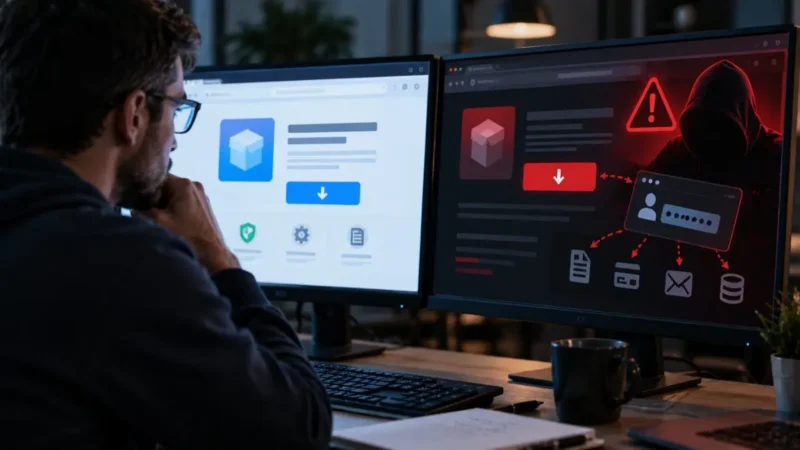
A digital signature helps confirm who signed an executable and whether that file changed afterward. It does not prove that the web page hosting the link is genuine, nor does it protect credentials submitted to a form before the download begins. In this campaign the authentic client acted as cover for a theft that had already happened. An antivirus product may correctly treat the installer as clean while remaining unable to reverse the credentials sent to the phishing infrastructure.
Search poisoning increases the risk
Attackers can optimize or advertise a lookalike page for searches combining a product name with words such as download or VPN client. An administrator working quickly may click a prominent result instead of using an internal software catalog. Logos, colors and favicons are easy to copy, so visual familiarity is weak evidence. A password manager that refuses to autofill on the new domain is a useful warning signal and should not be bypassed merely to complete an urgent installation.
Checks to perform before downloading
Open the vendor page from approved internal documentation, a verified bookmark or the vendor’s known support portal. Check the complete domain and path before entering any information. A public client download should not unexpectedly require a production VPN password. Organizations can reduce exposure by distributing approved packages centrally, filtering newly registered domains, separating administrator browsing from privileged sessions and using phishing-resistant multifactor authentication. These controls remain useful even when an attacker changes the lookalike domain.
What to do after entering credentials
Treat the event as a compromise even if the downloaded installer is legitimate and scans clean. Change the password from a known-clean device, revoke sessions and tokens, review multifactor settings and rotate related secrets. Examine identity and VPN logs for unusual addresses, geographies, failed attempts followed by success, new administrator accounts and policy changes. Preserve the URL and event time for the incident response team, but do not revisit the page from a production workstation.
Why MSP administrators are attractive targets
A managed service provider administrator may reach multiple customer environments, so one successful phishing event can have consequences beyond a single account. Privileged access should be segmented, time-limited and protected with separate identities for browsing and administration. Our English report on the PAN-OS CVE-2026-0322 vulnerability explains another reason to minimize exposed privileged paths: password security and software patching are complementary controls, not substitutes for each other.
Lessons for security teams
The campaign exploits a common mental shortcut: if the downloaded file is authentic, the complete workflow must have been authentic. Security training should explicitly separate file provenance from page provenance. Teams should maintain a vendor URL inventory, use application allowlisting and alert on privileged logins from new locations. A block list for one malicious domain is insufficient because the attacker can register another. Procedures must remain reliable when names, layouts and search rankings change.
Source and confidence
Huntress began the investigation after suspicious activity involving an administrator at a managed service provider, according to the published account. The TechRadar report attributes the technical findings to Huntress. We intentionally do not reproduce the lookalike domain. The defensive conclusion does not depend on a single indicator: software should come from an independently verified vendor path, and any credentials entered on a questionable page require immediate response.