


Best Microphones for Streaming, Gaming & Podcasting in 2026
Make your voice heard with the best microphones for streaming.
The best microphone for streaming and gaming will be different for each of us, but quality is something we should all aim for – especially now in 2026, when streaming platforms, gaming sessions, and podcasts have become part of daily life for millions of people around the world.
Microphones built into the best gaming headsets are often good enough for casual play with friends, but nobody wants to be that person who sounds like they’re talking from inside a tin can or whose every keyboard click and PC fan noise ruins the audio. If you want crystal-clear vocals for streaming on Twitch or YouTube, or professional sound for a podcast that feels like it comes from a real studio, it’s time to step up to a dedicated microphone that’s truly worth every penny.
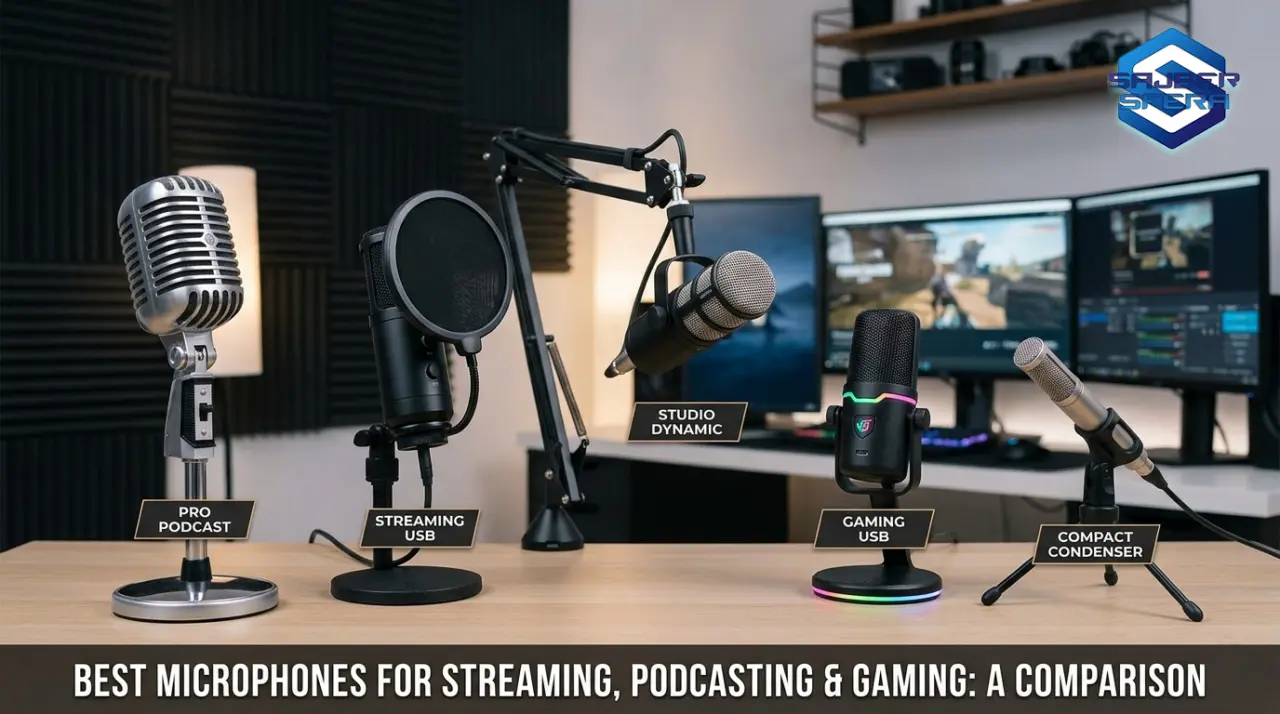
Which microphone should I choose? We’ve picked 5 for you!
USB microphones remain the most popular choice because they’re plug-and-play and require no extra gear, but XLR models and hybrids offer superior flexibility for those planning to grow. Prices have shifted, technology has moved forward – today you get 32-bit/192kHz resolution, built-in AI denoising, RGB lighting that syncs with your setup, and hybrid connections that let you start simple and upgrade to a pro interface later.
Think about where you’ll use the microphone, how much you’re willing to invest, and whether you need multi-pattern options for solo streams or group conversations. Once you sort out your audio, be sure to check our guide to the best webcams to complete your setup. Budget microphones under $100 are so good these days that they often match older premium models, so you don’t always have to spend a fortune to sound excellent.
Best Microphones for Streaming
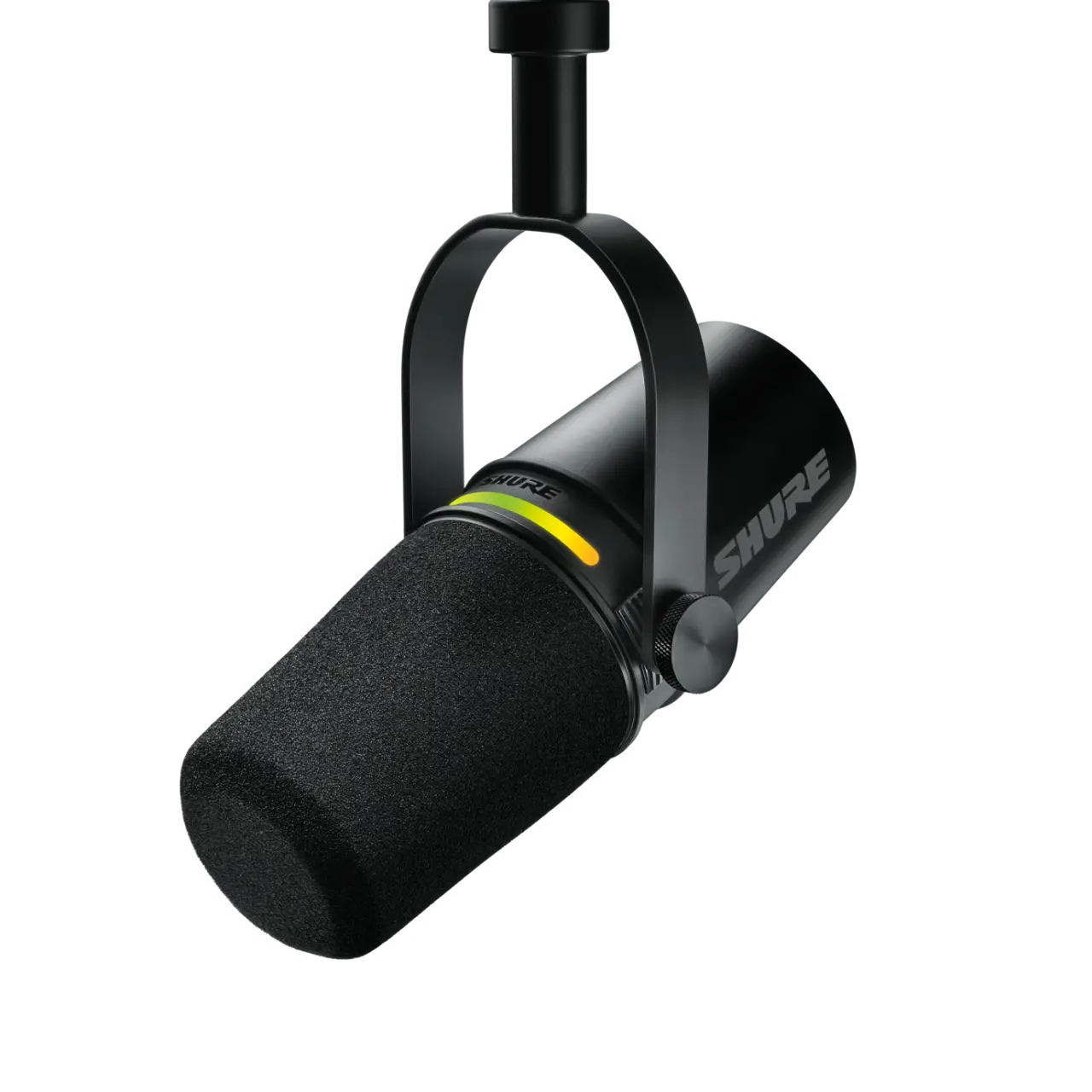
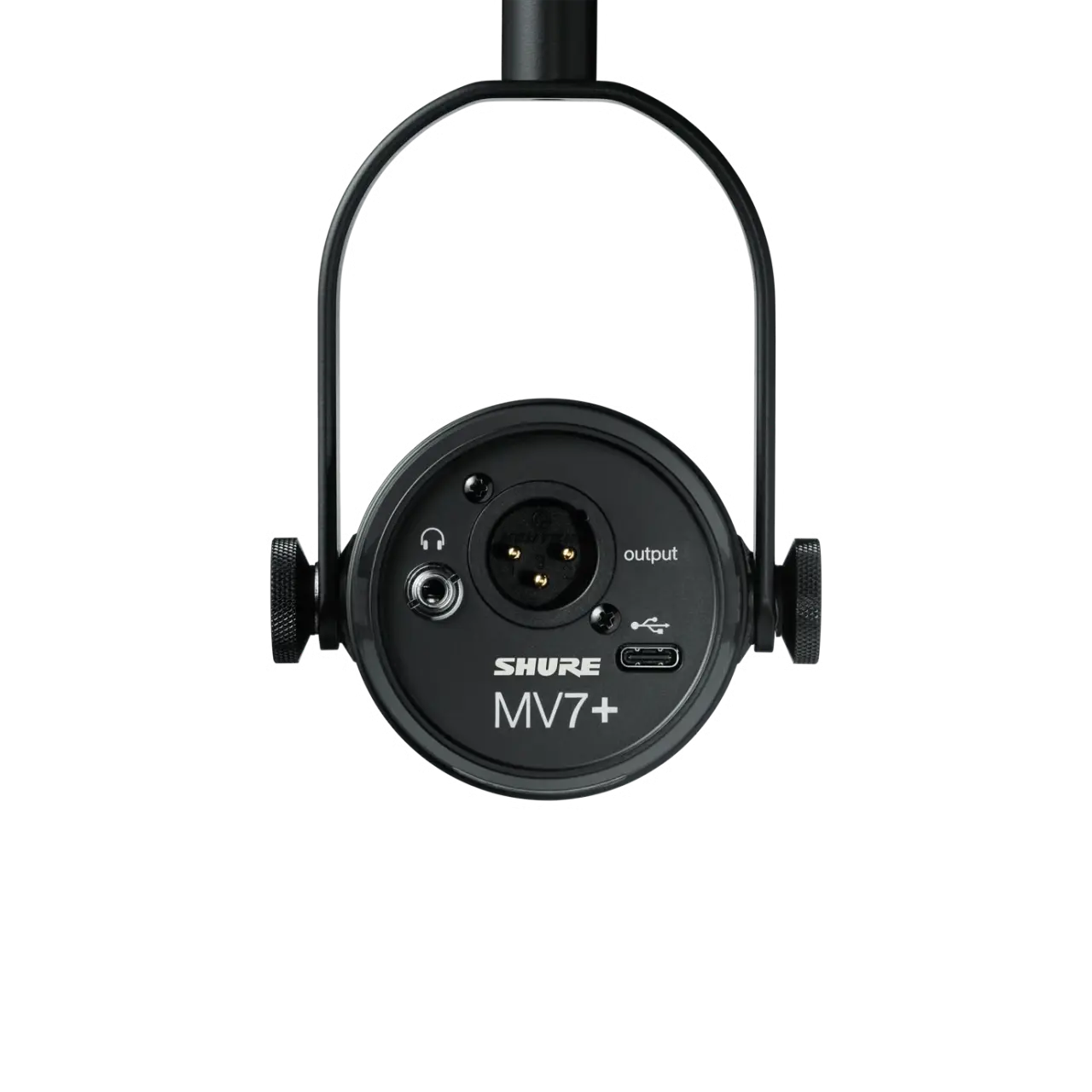
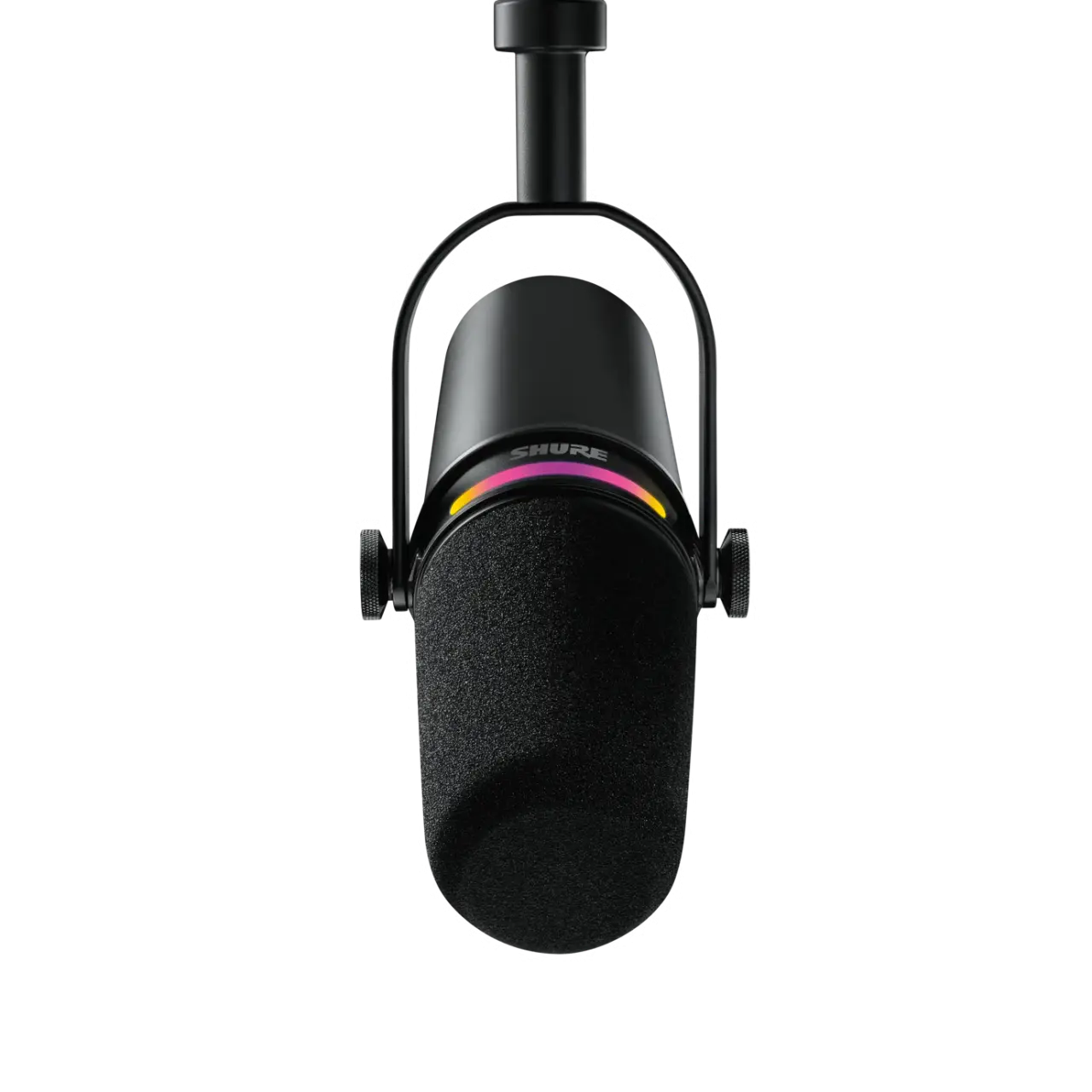
Shure MV7+ Podcast Microphone – Best Hybrid USB/XLR Microphone
Polar Patterns: Cardioid | Connectivity: USB-C, XLR | Sample Rate: up to 48kHz / 24-bit | Frequency Response: 50–16,000Hz | Features: Customizable multi-color LED touch panel (over 16 million colors), built-in DSP (real-time denoiser, digital pop filter, auto-gain, compressor, limiter, reverb), headphone monitoring
Pros:
- Excellent vocal clarity with rich low-end that recalls the legendary SM7B
- Hybrid USB/XLR connectivity – perfect for beginners and pros alike
- Advanced ShurePlus MOTIV software with real-time denoising and custom effects
- Solid metal build and built-in plosive protection
Cons:
Don’t miss this
- No included stand (you’ll need to buy one separately)
- A bit pricier for absolute beginners
If you’re a serious podcaster, streamer, or musician who wants your voice to sound professional without complications, the Shure MV7+ is an easy recommendation even if you have to reach a little deeper into your pocket. This is the evolution of the already excellent MV7 – now with even better DSP processing, USB-C connectivity, and a customizable LED panel that lets you see levels at a glance and mute with a simple tap. Shure managed to combine the warmth of a dynamic microphone with the simplicity of USB, giving you crystal-clear sound that rejects room noise extremely well – ideal for untreated spaces where most of us record.
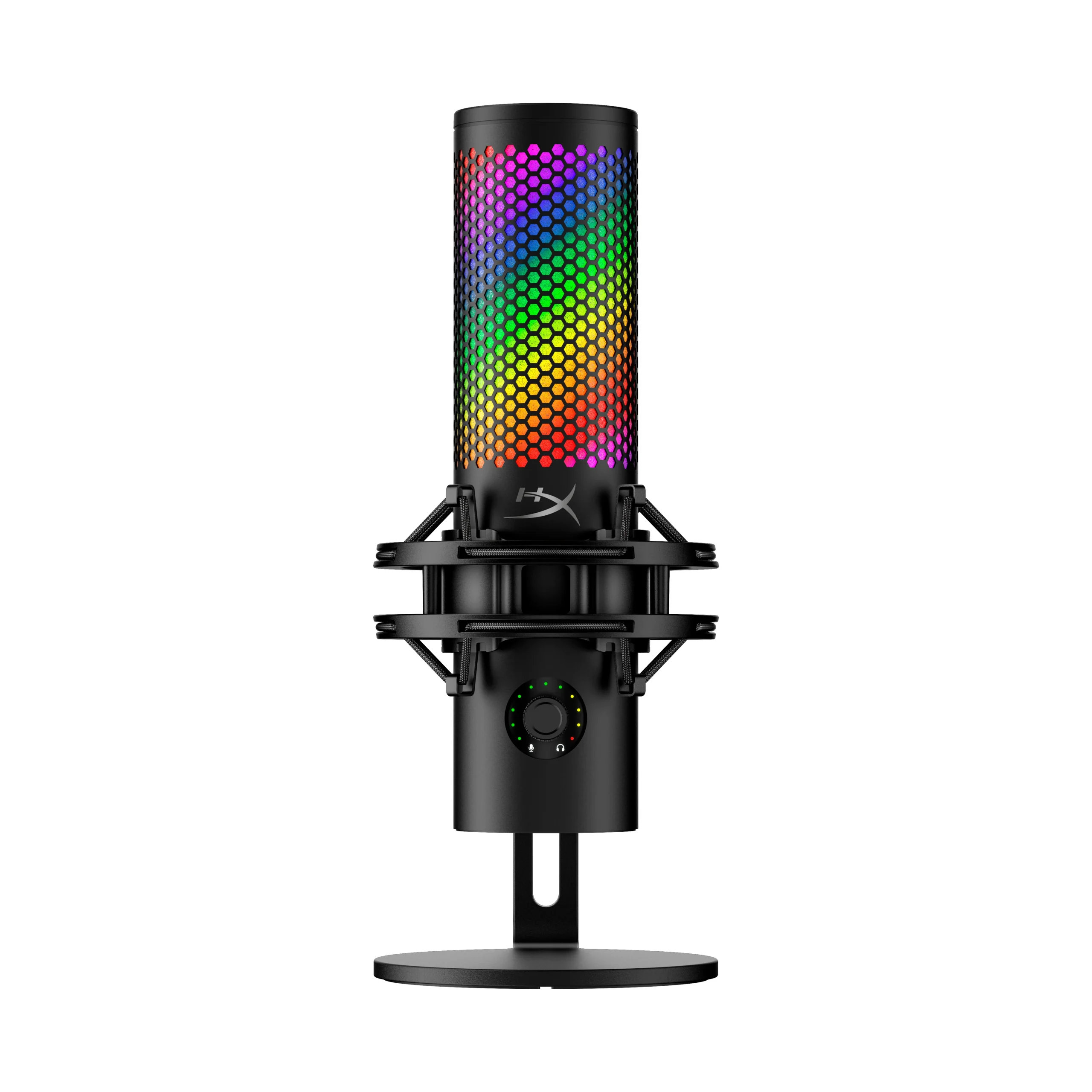
HyperX QuadCast 2 S – Best Microphone for Streaming and Gaming
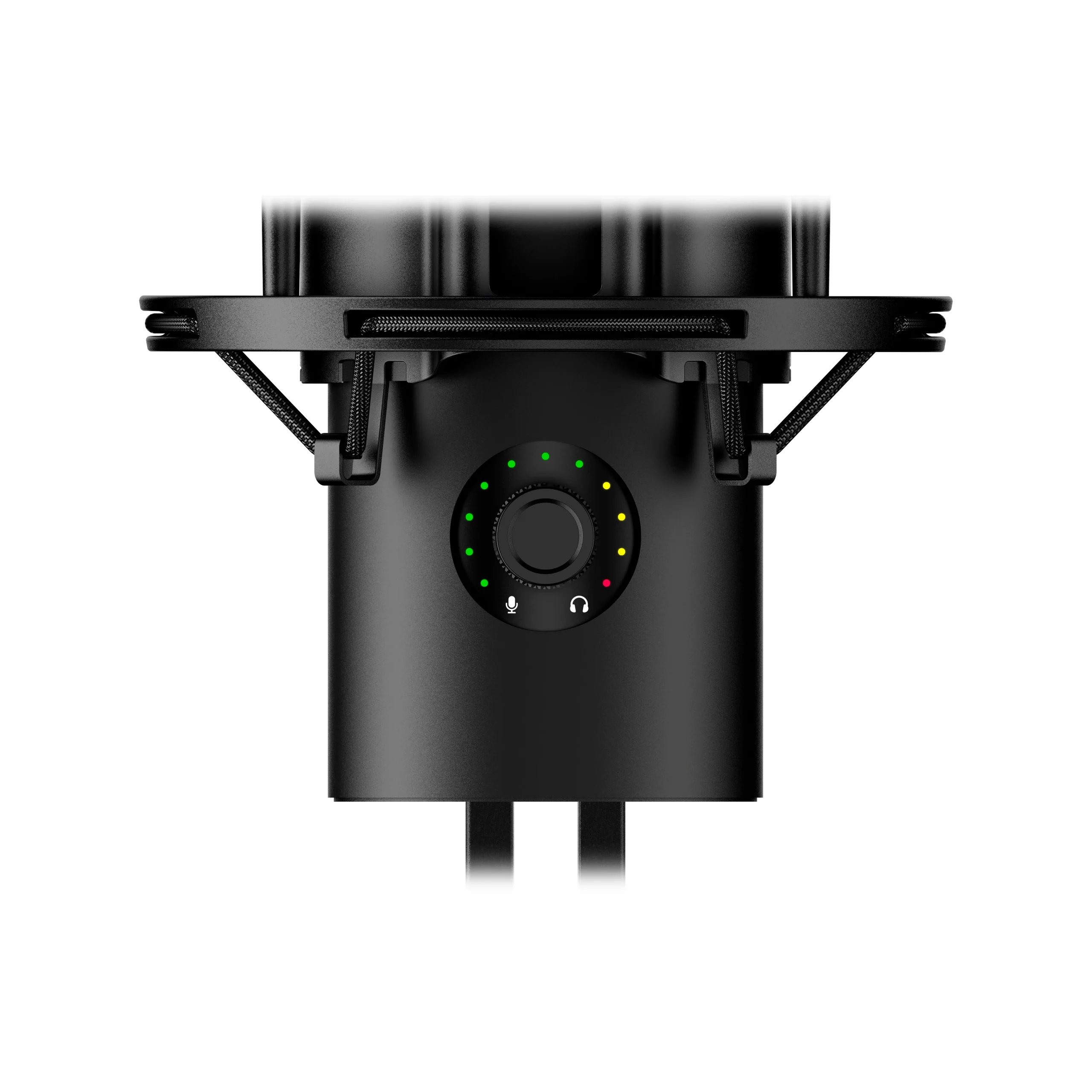
Polar Patterns: Cardioid, Omnidirectional, Bidirectional, Stereo | Connectivity: USB-C | Frequency Response: 20–20,000Hz | Features: 32-bit/192kHz resolution, over 100 individually addressable RGB LEDs, tap-to-mute sensor, HyperX NGENUITY software for full customization, improved shock mount, and headphone output
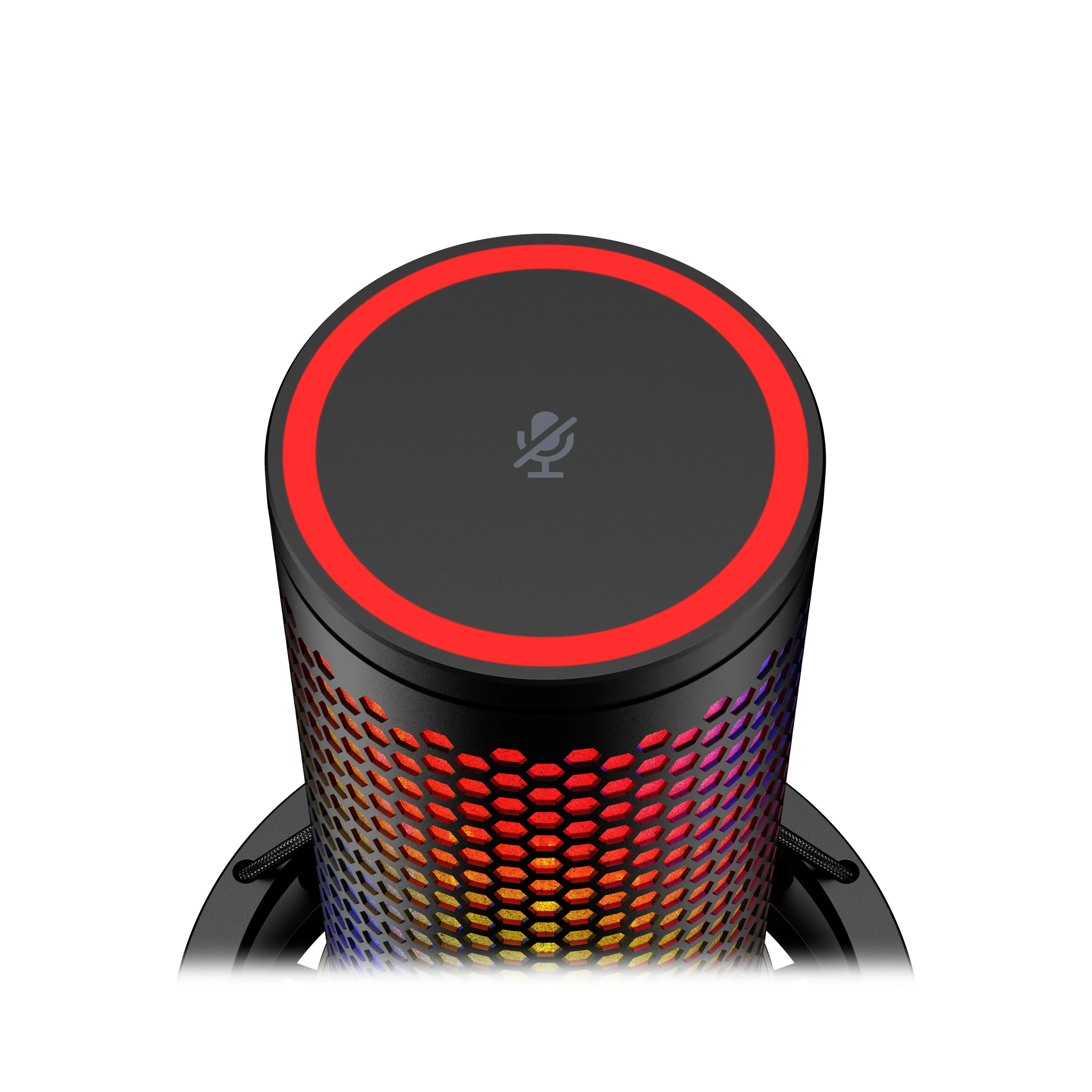
Pros:
- Top-tier sound with incredible resolution and precision
- Beautiful RGB lighting that fits perfectly into any gaming setup
- Four polar patterns and an intuitive LED ring for quick changes
- Excellent build quality with an upgraded shock mount
Cons:
- Slightly more expensive than previous generations
- Full potential requires the software (but it works without it too)
There’s a reason HyperX microphones have dominated the gaming scene for years, and the QuadCast 2 S is currently the king of the category. This isn’t just an upgrade – it’s a real leap in audio technology with 32-bit depth and 192kHz sampling that makes your voice sound crystal clear even in the wildest multiplayer sessions.
Tap-to-mute is as practical as ever, the RGB is now even more spectacular with individually controlled diodes you can turn into real light shows, and NGENUITY software gives you complete control. Whether you’re streaming games, chatting with the squad, or recording voice-overs, this microphone will make you sound like you’re in a real studio – without spending hours on post-production.
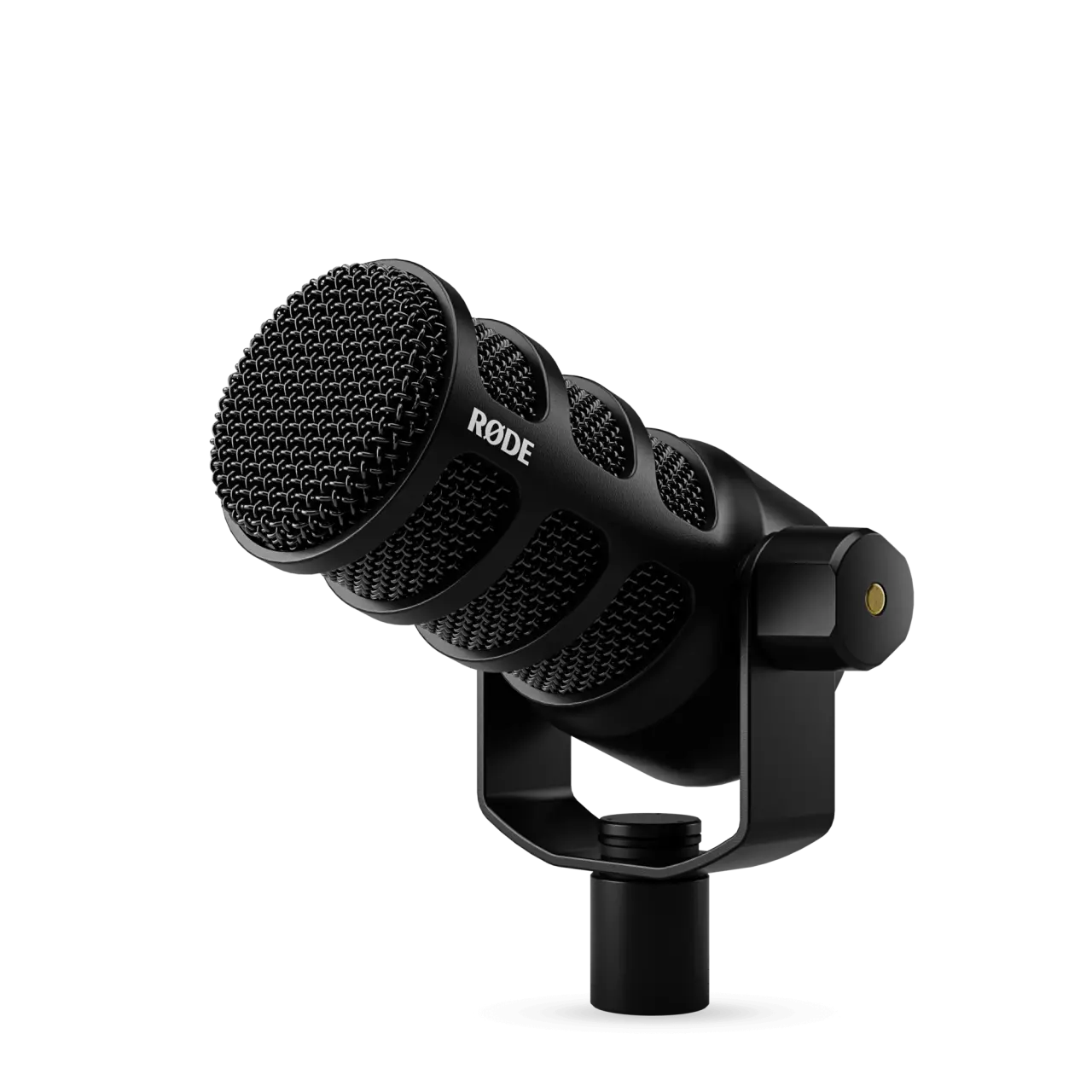
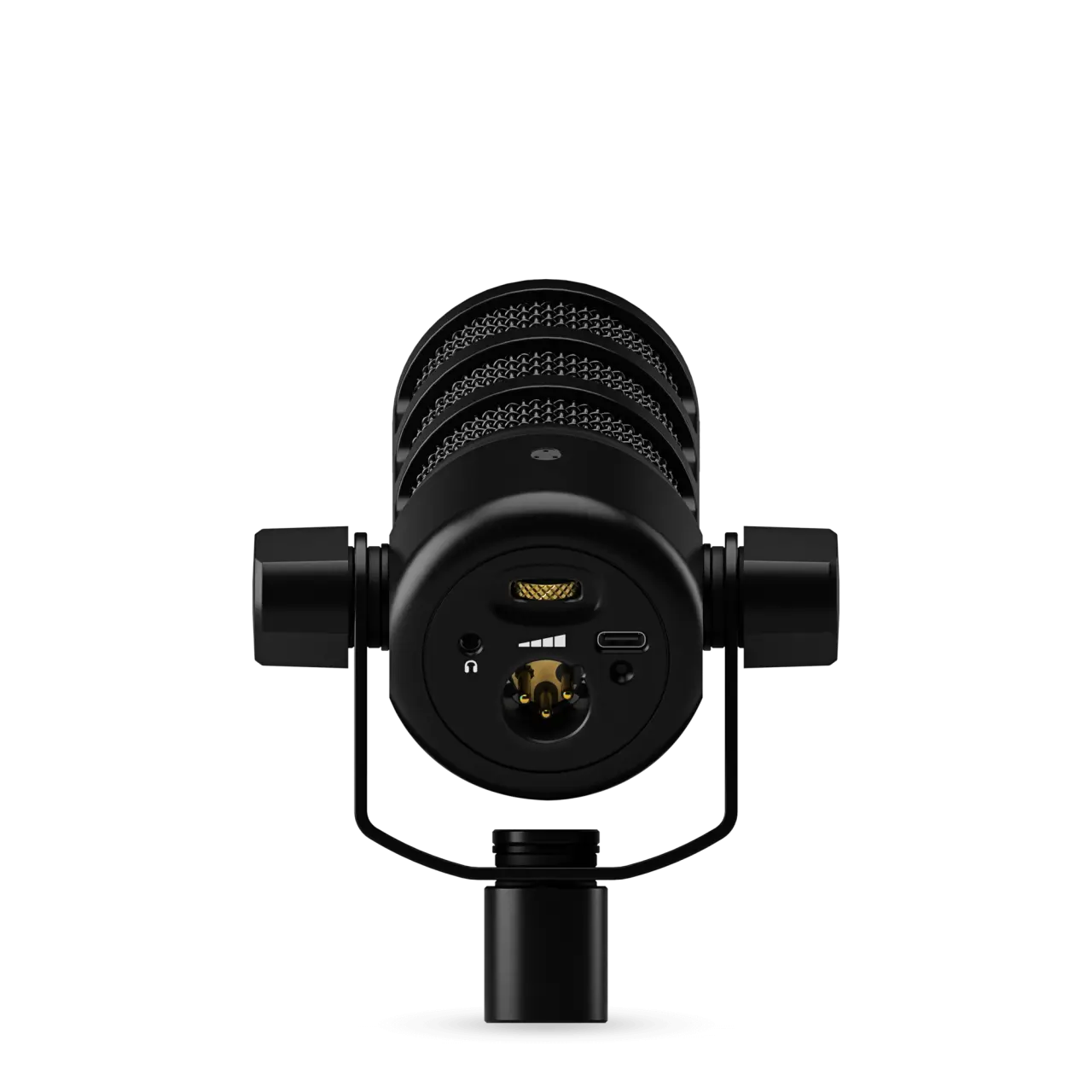
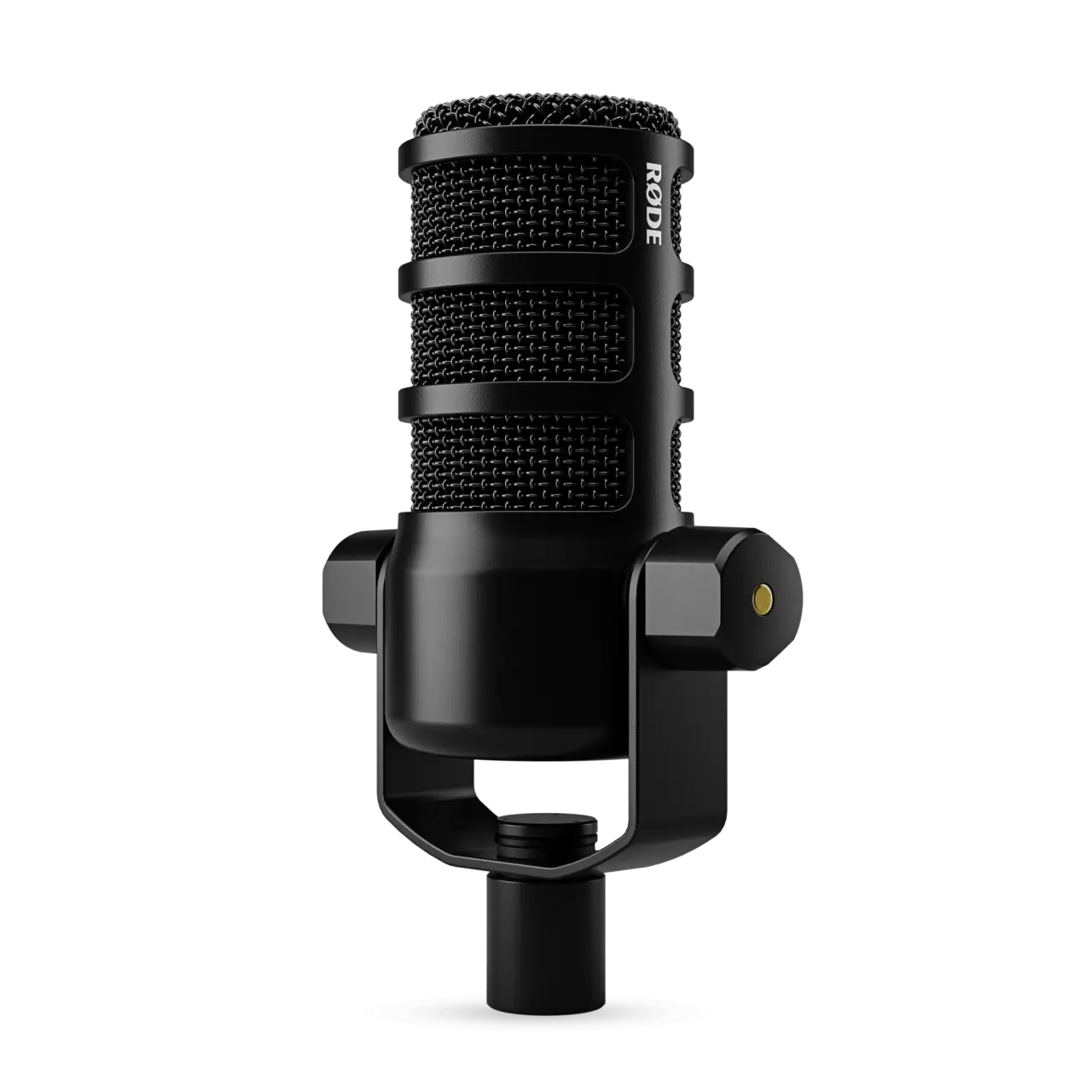
Rode PodMic USB – Best Microphone for Podcasting
Polar Patterns: Cardioid | Connectivity: USB-C and XLR (hybrid) | Frequency Response: 20–20,000Hz | Features: Built-in pop filter and shock mount, high sensitivity, excellent background noise isolation, compatible with Rode Central software, 24-bit/48kHz
Pros:
Don’t miss this
- Broadcast-quality sound at an accessible price
- Hybrid connectivity for future-proofing
- Excellent build with built-in protection against plosives and vibrations
- Warm, professional vocal profile perfect for long conversations
Cons:
- Fewer polar pattern options than condenser models
- Requires a bit more tweaking for a perfect setup
Rode has always been synonymous with quality podcast sound, and the PodMic USB is their latest star that combines the best of both worlds. This dynamic microphone delivers the deep, warm sound you hear on big podcasts – your voice feels intimate and authoritative, while background noise is almost nonexistent.
The USB-C connection means you can plug it straight into your computer and start recording immediately, but the XLR option keeps the door open for a professional interface later. If you’re making long episodes, interviews, or storytelling content, this microphone will make you sound like you’re in a radio station – and the price is still reasonable for what you get.
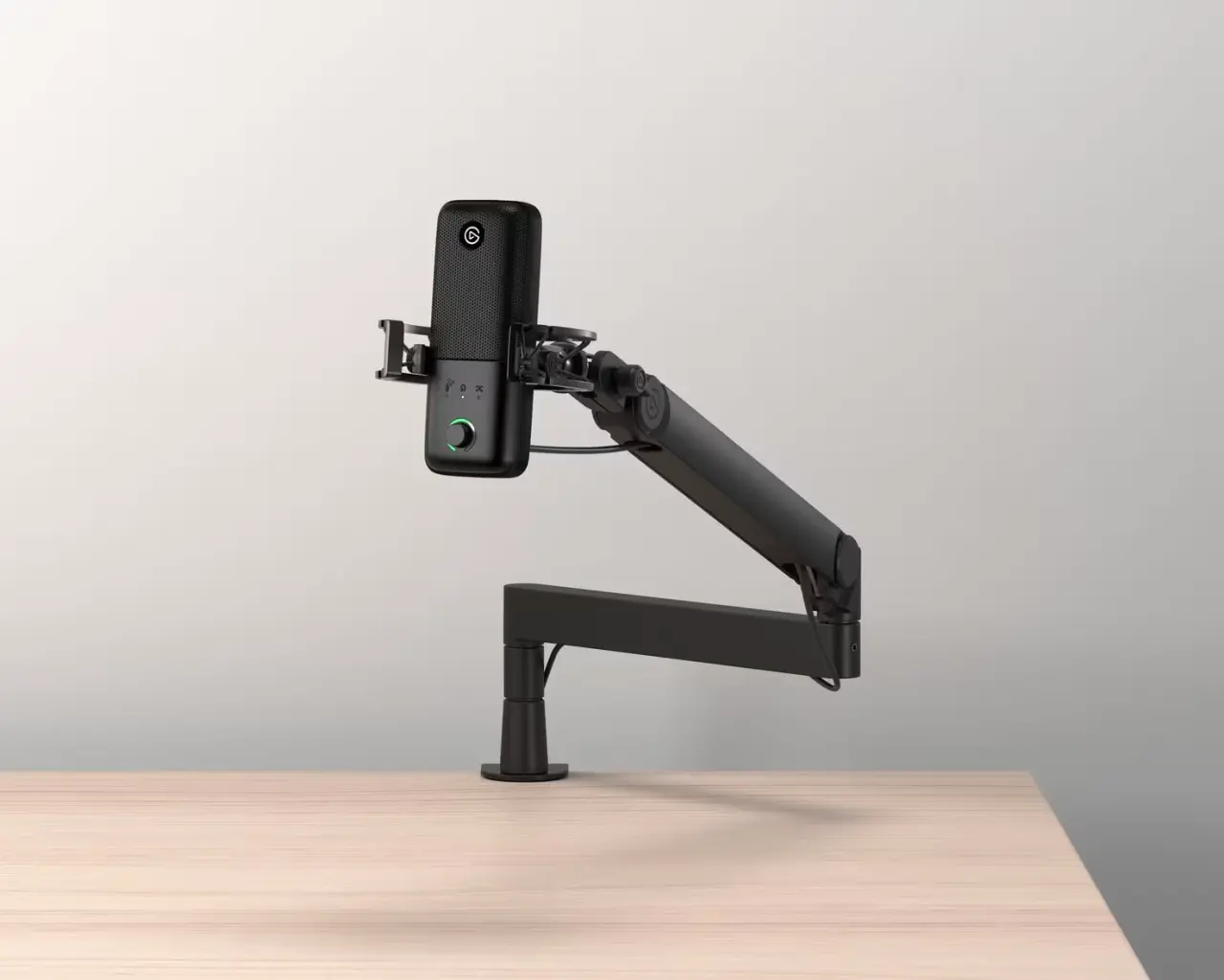
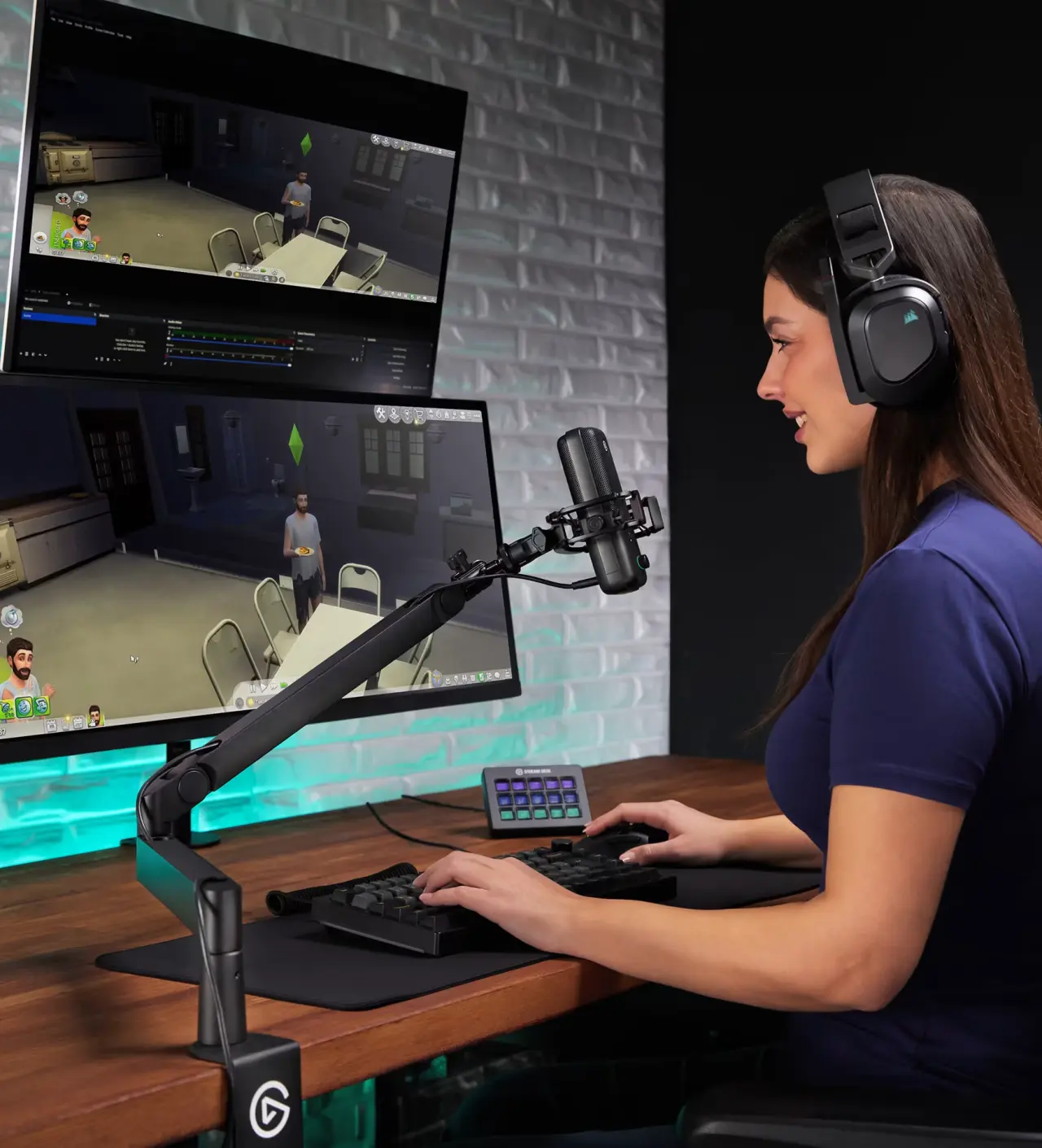
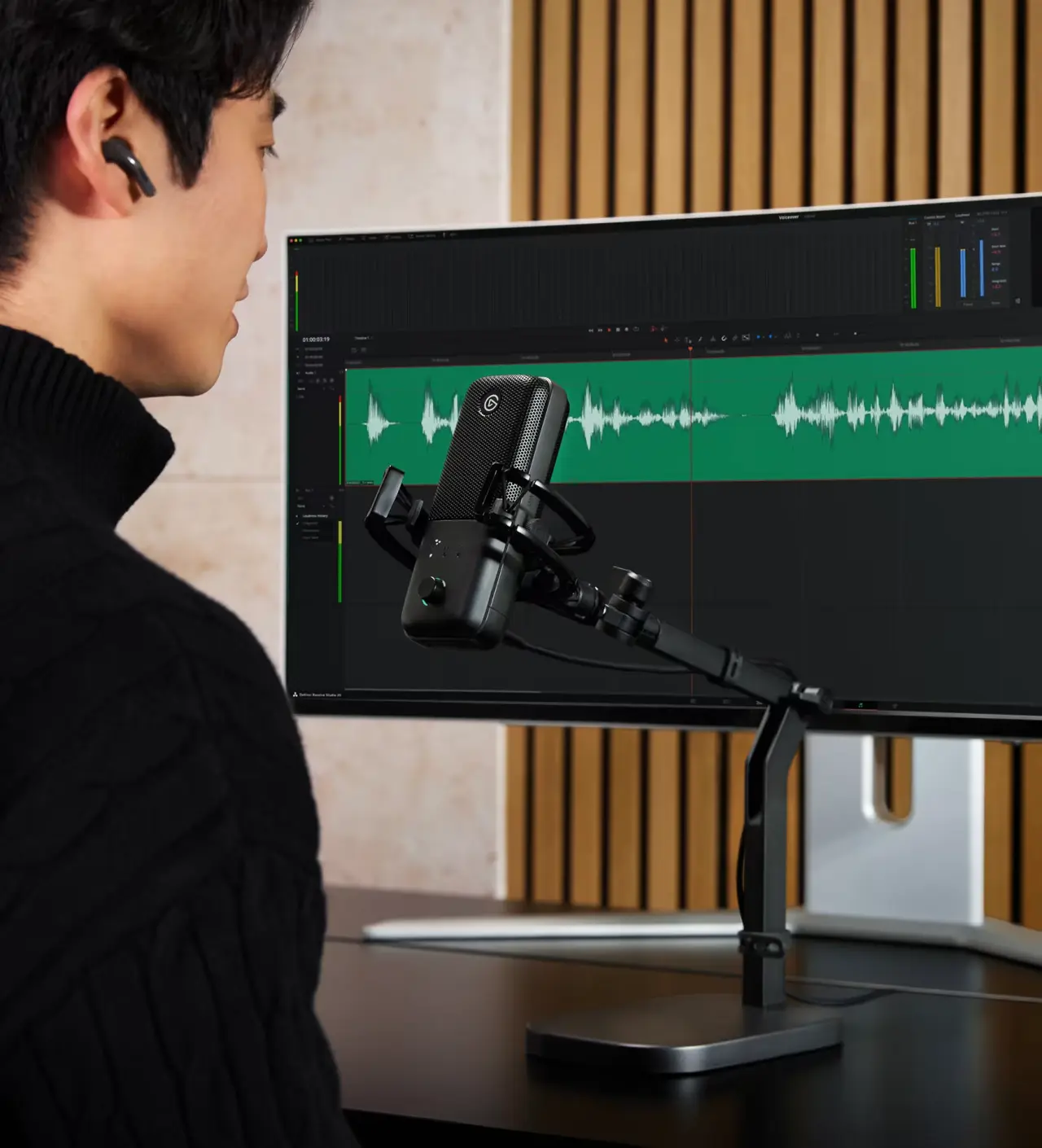
Elgato Wave:3 – Excellent USB Microphone for Streamers and Creators
Polar Patterns: Cardioid | Connectivity: USB-C | Frequency Response: 70–20,000Hz | Features: Wave Link software for mixing multiple audio sources, tap-to-mute, LED indicators, built-in processor for real-time effects (EQ, compressor, limiter), compatible with OBS and Stream Deck
Pros:
- Excellent integration with streaming software
- Wave Link makes it easy to mix game audio, music, and chat
- Compact design with a premium feel
- Super simple for beginners who want a professional setup
Cons:
- Only cardioid pattern
- Less “broadcast” warmth compared to dynamic models
Elgato understood what streamers really need – not just good sound, but a microphone that fits perfectly into the entire workflow. The Wave:3 with Wave Link software is a true game-changer: you can mix voice, game audio, music, and chat in real time without opening ten different windows. The sound is clean and natural, tap-to-mute works flawlessly, and the LED indicators give you a clear view at a glance. It’s ideal for gamers who stream, but also for creators who want to keep everything under control without complications.
Fifine AM8 – Best Budget Microphone
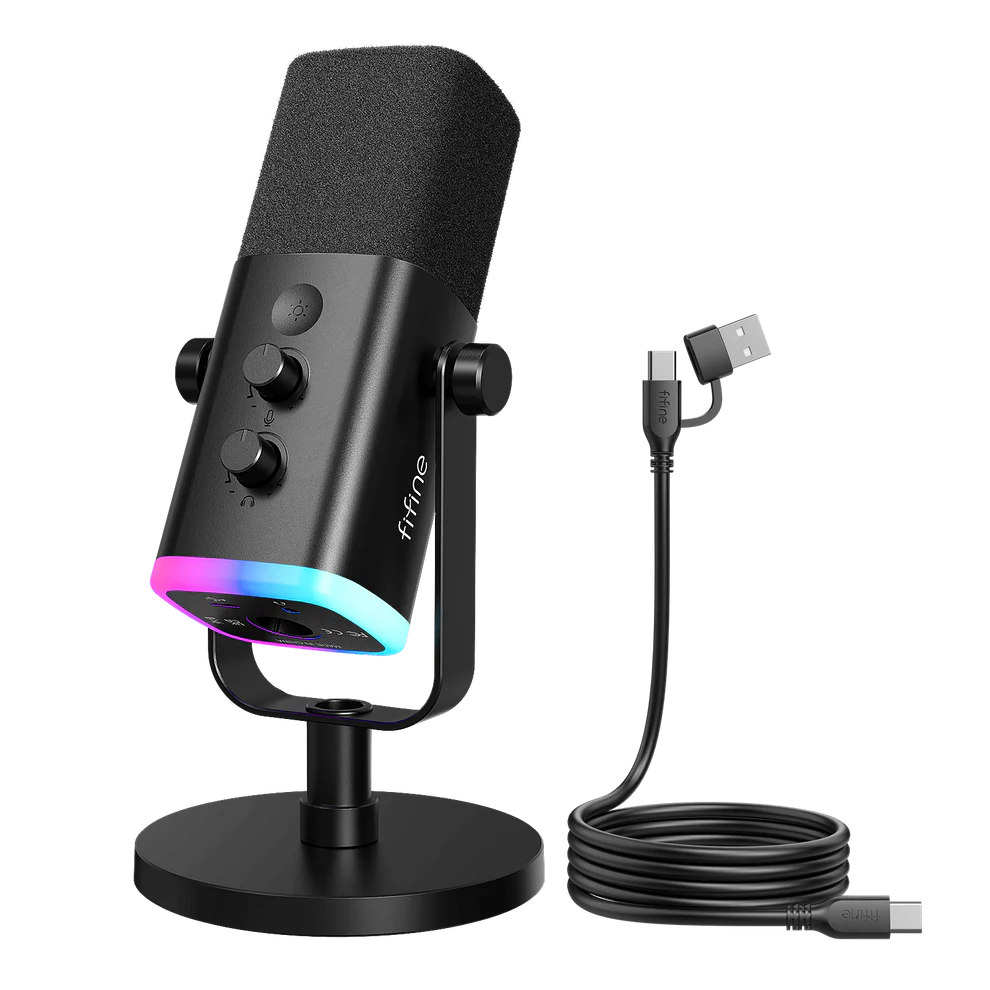
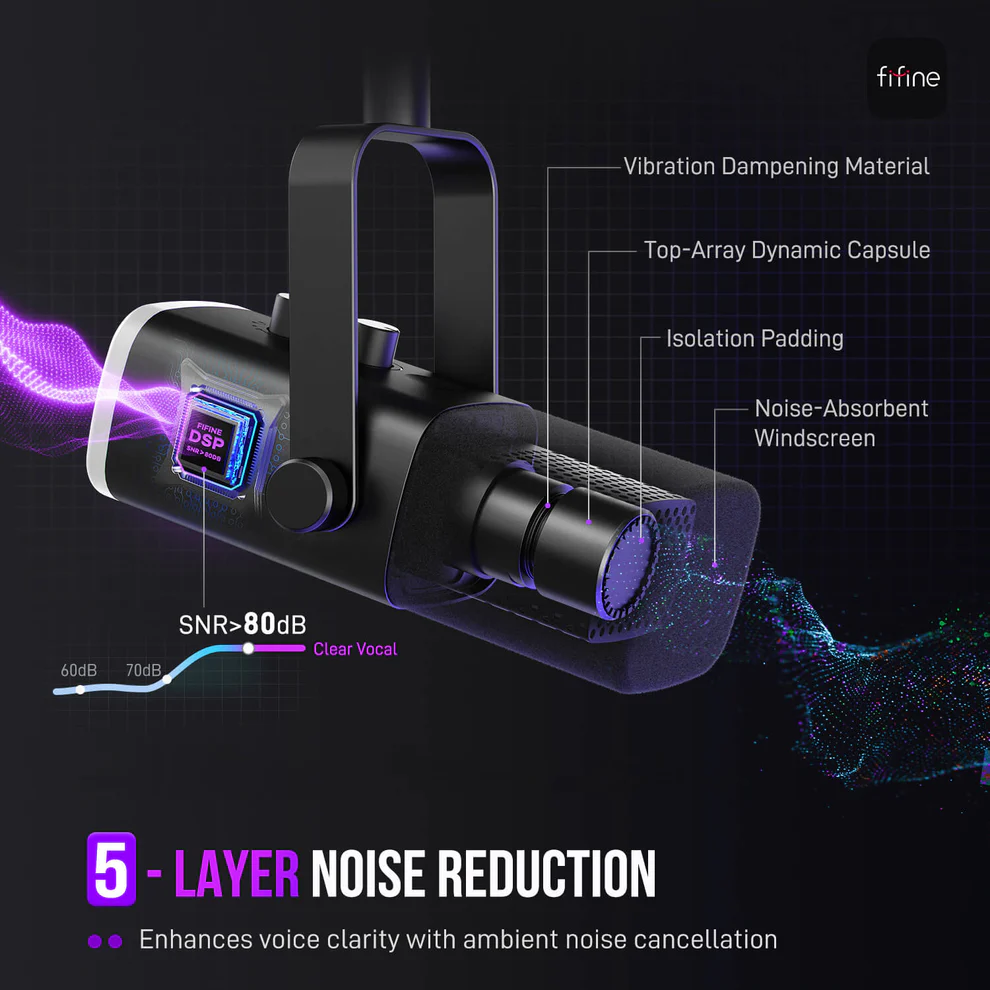
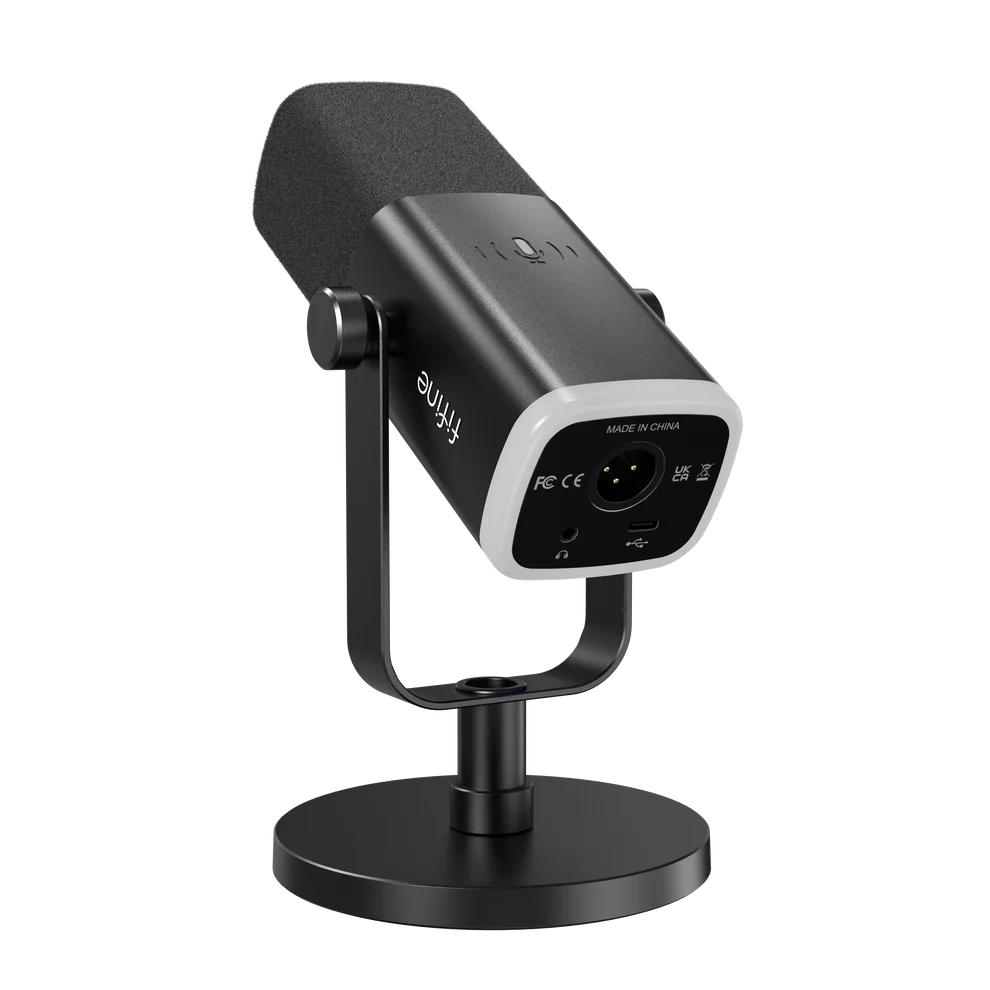
Polar Patterns: Cardioid | Connectivity: USB-C / XLR (hybrid) | Frequency Response: 50–20,000Hz | Features: Built-in pop filter, gain control, mute button, RGB lighting, headphone monitoring, compact design
Don’t miss this
Pros:
- Incredible price-to-performance ratio
- Sound that rivals microphones twice the price
- Plug-and-play simplicity with XLR upgrade potential
- Compact and easy to carry
Cons:
- Less premium feel and materials
- Fewer advanced features compared to higher-end models
If you don’t want to spend too much but still want to sound noticeably better than a laptop mic or headset, the Fifine AM8 is the current king of the budget category. This little USB/XLR wonder delivers clean, clear sound with good noise rejection and enough warmth so your voice doesn’t sound thin. It’s perfect for beginners, students, or anyone just entering the world of streaming and podcasting – proving you don’t need to spend hundreds of dollars to have a microphone you’ll be proud of.
Conclusion and Buying Advice
Whether you’re a beginner looking for a plug-and-play solution or an experienced creator wanting to upgrade your setup, there’s a perfect microphone for everyone today. Start with a budget model if you’re just beginning, or go straight for a hybrid like the MV7+ if you’re planning a long-term investment. Always pair your microphone with a good boom arm, pop filter, and some room acoustic treatment – that combination will give you the biggest quality jump.
If you have questions or want a recommendation tailored to your exact setup, feel free to write in the comments. Your voice deserves to be heard clearly and professionally – and with these 2026 models, it’s easier than ever. Happy streaming, gaming, and podcasting! 🎙️
FAQ – Frequently Asked Questions
What is the best microphone for beginners in streaming?
For most beginners, the Fifine AM8 or Elgato Wave:3 is the best choice. Both are plug-and-play, offer excellent sound for the price, and don’t require complicated setup. If you have a slightly bigger budget, the HyperX QuadCast 2 S will also give you beautiful RGB lighting that fits perfectly in a gaming room.
Do I need an XLR microphone or is USB enough?
USB is perfectly sufficient for most streamers and podcasters – it’s easier to use and doesn’t require an audio interface. XLR (or hybrid USB/XLR models like the Shure MV7+ or Rode PodMic USB) is better if you plan professional growth, more control, and eventual studio recording with a mixer.
How important is room acoustic treatment?
Very important! Even the best dynamic microphone like the Shure MV7+ can’t completely remove echo in an empty room. Add at least a few acoustic panels or blankets behind you and you’ll notice a huge difference in the final sound.
Does RGB lighting affect sound quality?
No, it doesn’t. RGB is purely a visual addition (like on the HyperX QuadCast 2 S) that makes your setup look better on camera. Sound quality depends on the capsule, DSP, and settings – not the lights.
Which microphone is best for a podcast with multiple guests?
If you’re recording with several people, it’s better to use multiple individual cardioid microphones (e.g., Rode PodMic USB or Shure MV7+) rather than one omnidirectional mic. This prevents voices from blending and makes editing much easier.
How much should I invest in a good microphone in 2026?
For a solid start, $50–80 is enough (Fifine AM8). For serious quality that will last for years, budget $150–300 (HyperX QuadCast 2 S, Rode PodMic USB, or Shure MV7+).


